
Use caption presets/bookmarks
Save reusable text and insert it into future posts.
Le contenu éditorial de cet article est actuellement disponible en anglais. La navigation du Centre d’aide est localisée.
Vue d’ensemble
Text presets belong to the organization and are separated by field type, such as title or caption. Post editors can insert available presets; only an organization owner can save or delete shared presets.
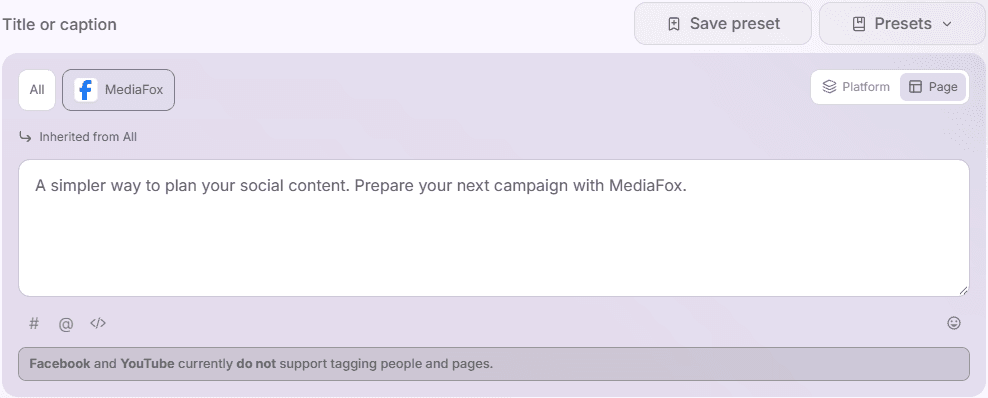
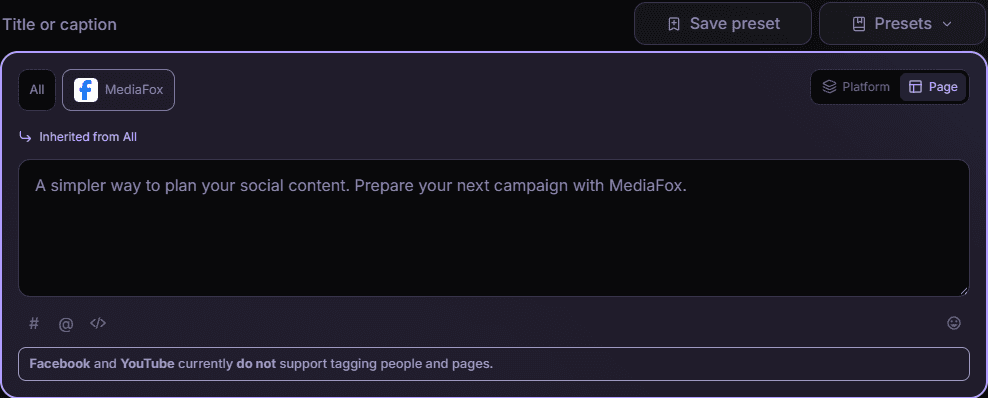
Use a preset
- Choose the field version
Select All, a platform, or a page in the text field. Copy any current wording you need to keep before inserting a replacement.
- Choose and inspect
Open Presets beside the field, search by name, and select an entry to inspect its text. Selecting alone does not insert it.
- Insert
Choose Insert. The preset replaces the active field’s text; it does not append to it. Review the resulting wording and destination preview.
Remove an obsolete preset
An owner can delete an entry from the preset list after reading its name in the confirmation. This removes the reusable entry, not text already inserted into saved posts. Check dates, offers, and links whenever reusing a preset.
Disponibilité et accès
Cette fonction ne nécessite pas de module complémentaire, mais des autorisations ou paramètres peuvent s’appliquer.