
Share a link with Quick Share
Share a link from the sidebar, or hand a prepared draft to Post Planner for more control.
Le contenu éditorial de cet article est actuellement disponible en anglais. La navigation du Centre d’aide est localisée.
Vue d’ensemble
Quick Share is a compact composer for sending a link to one or more connected pages. Open an organization, then select the paper-plane Quick Share button in the sidebar user card. You need post-edit access and access to Post Planner. It is separate from the older RSS Quick Share interface.
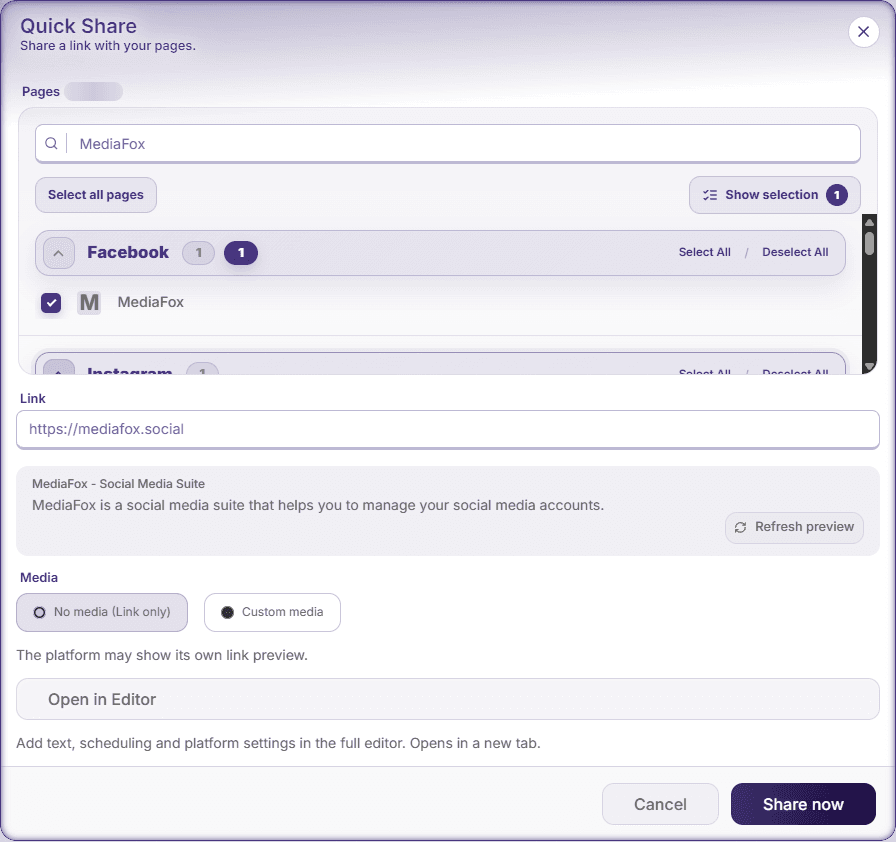
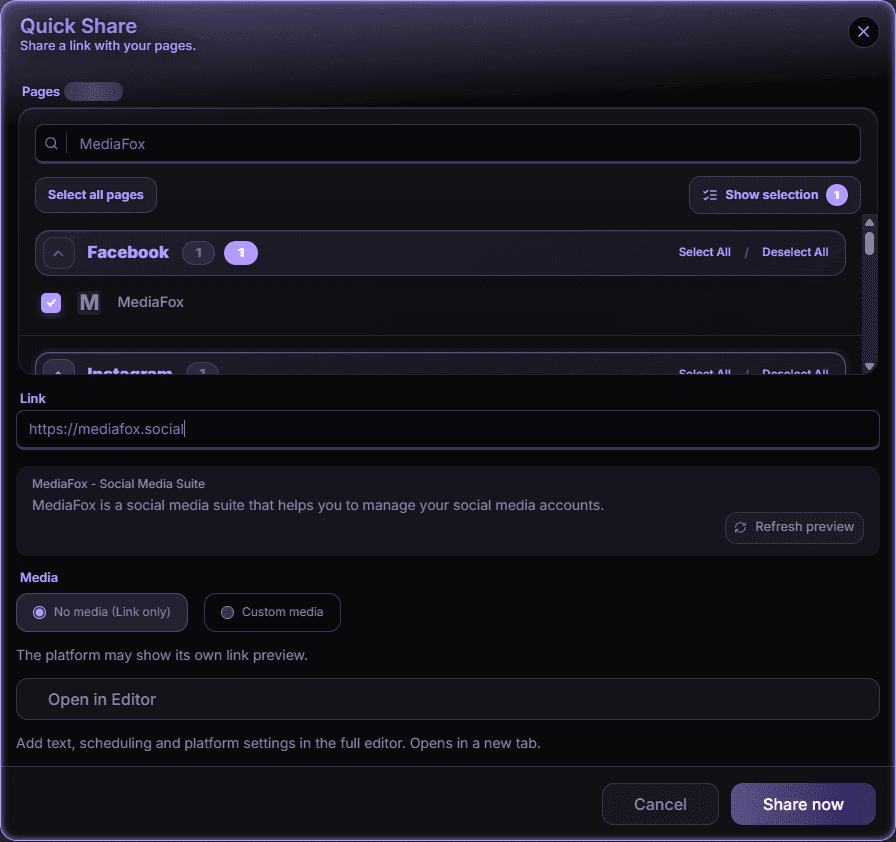
Prepare the link
- Choose destinations
Select the intended pages or groups. Check the page names and platforms, especially when a group contains several accounts.
- Paste the link
Enter the complete HTTP or HTTPS address. Check the destination and any loaded preview. A missing preview does not by itself prevent sharing.
- Choose media
Keep No media (Link only), or choose Custom media and upload files or select them from Media Library. Wait for uploads and processing to finish.
- Choose link placement
With custom media, choose In post text or In first comment. First-comment placement is not available for every destination or setting; switch to post text or remove the incompatible destination when warned.
A new tab did not open
Use the saved-draft link shown after the handoff. Do not repeatedly create drafts just because the browser blocked the tab. Missing platform settings can be completed in the full editor, but unfinished uploads must finish before handoff.
An error or uncertain result
Correct an explicit validation error and retry. If MediaFox cannot confirm whether every post was saved, check Calendar or Content Search before sharing again. Closing an unsaved Quick Share draft can discard your input; read the discard confirmation.
Disponibilité et accès
Cette fonction ne nécessite pas de module complémentaire, mais des autorisations ou paramètres peuvent s’appliquer.