
Post Planner overview
Prepare content for one or more social pages, then save a draft or schedule publication.
Le contenu éditorial de cet article est actuellement disponible en anglais. La navigation du Centre d’aide est localisée.
Vue d’ensemble
Post Planner brings page selection, content, platform settings, and scheduling into one workflow. You need post-edit permission and access to the pages you select.
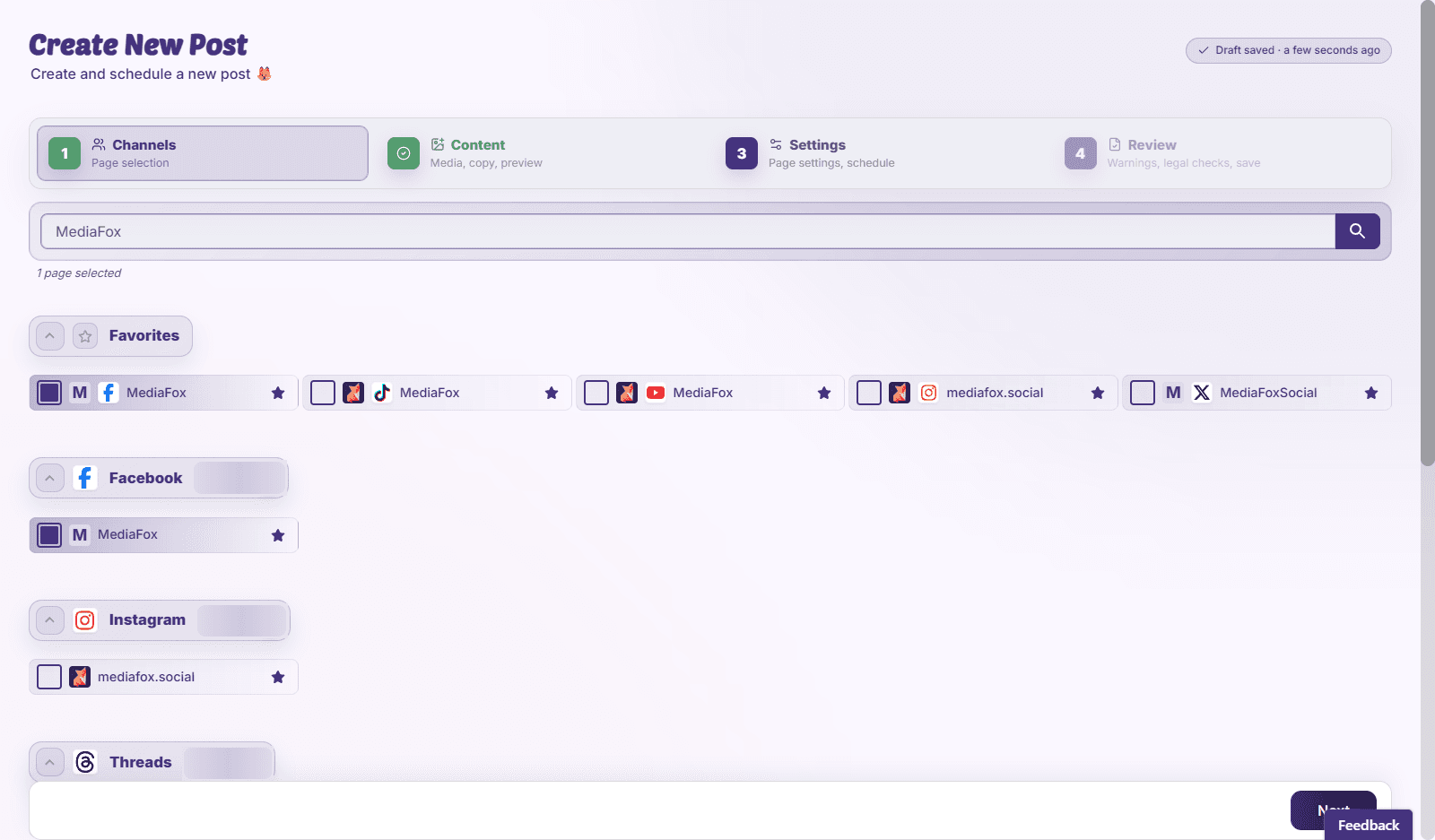
Work through the planner
- Channels: choose the pages that should receive the post.
- Content: add text and media, including platform-specific versions where needed.
- Settings: review publishing options and choose times for the selected pages.
- Review: check previews, validation messages, and collision warnings before Save & Schedule.
Keep unfinished work
Save a draft if the content is not ready. Choosing Request Review sends it through approval instead of treating it as ready to publish. A saved schedule is a publishing instruction; check its date and timezone carefully.
Disponibilité et accès
La disponibilité dépend de votre accès à l’organisation et des autorisations attribuées.