
Understand the organization dashboard
See upcoming content, team information, goals, and reporting shortcuts.
Fonction principale
Le contenu éditorial de cet article est actuellement disponible en anglais. La navigation du Centre d’aide est localisée.
Vue d’ensemble
The organization dashboard summarizes the workspace selected in your navigation. Its counts and cards help you decide where to look next; they do not replace the detailed calendar or reports.
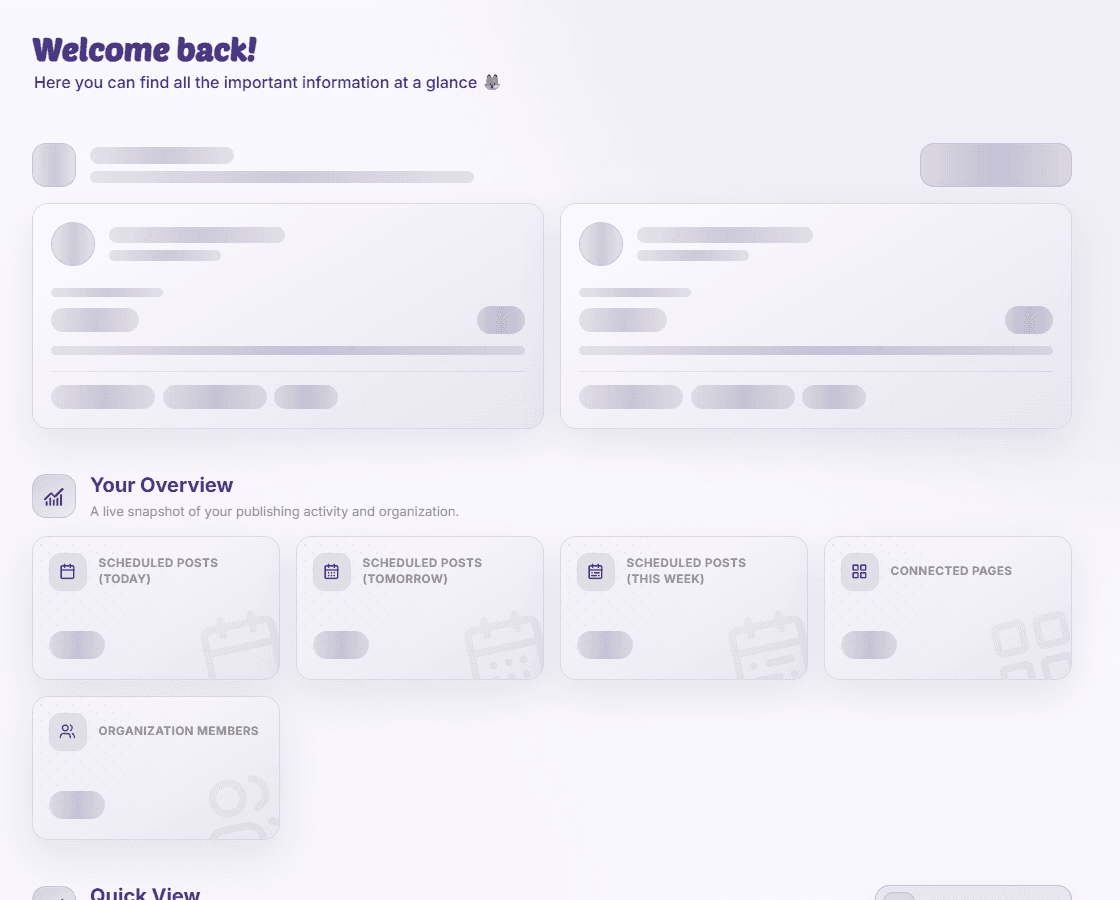
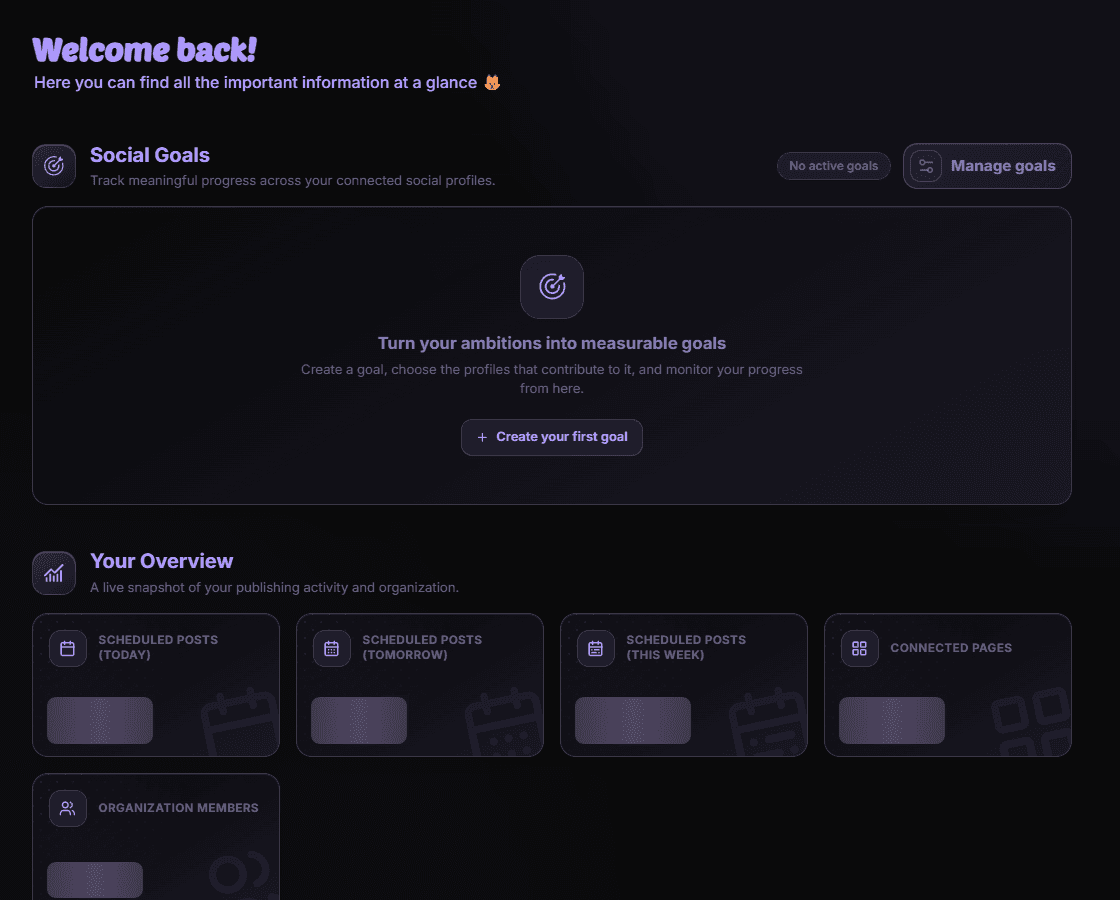
Read the dashboard
- Planned-post counters show upcoming publishing activity for the displayed periods.
- Page and member cards summarize the organization’s connected accounts and team.
- Goals track progress toward selected social metrics.
- Quick View shows a chosen reporting dashboard, while Top Content highlights recent performance.
Check the scope of a number
Read the period and page selection before comparing cards. A newly connected page may still be collecting data. Open the calendar or Reporting & Analytics for the underlying detail.
Disponibilité et accès
Fonction principale
Cette fonction ne nécessite pas de module complémentaire, mais des autorisations ou paramètres peuvent s’appliquer.