
Enable and access Comments Central
Open a shared workspace for supported social comments and moderation.
Le contenu éditorial de cet article est actuellement disponible en anglais. La navigation du Centre d’aide est localisée.
Vue d’ensemble
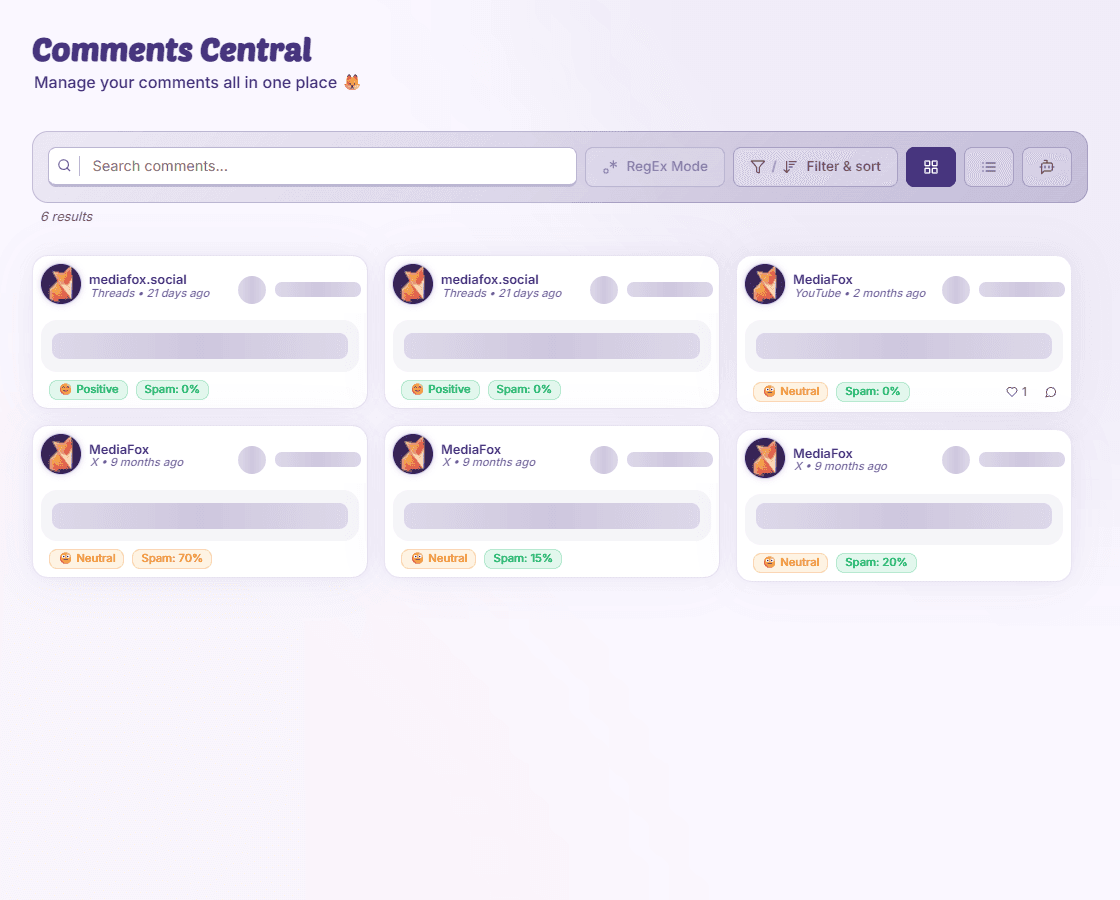
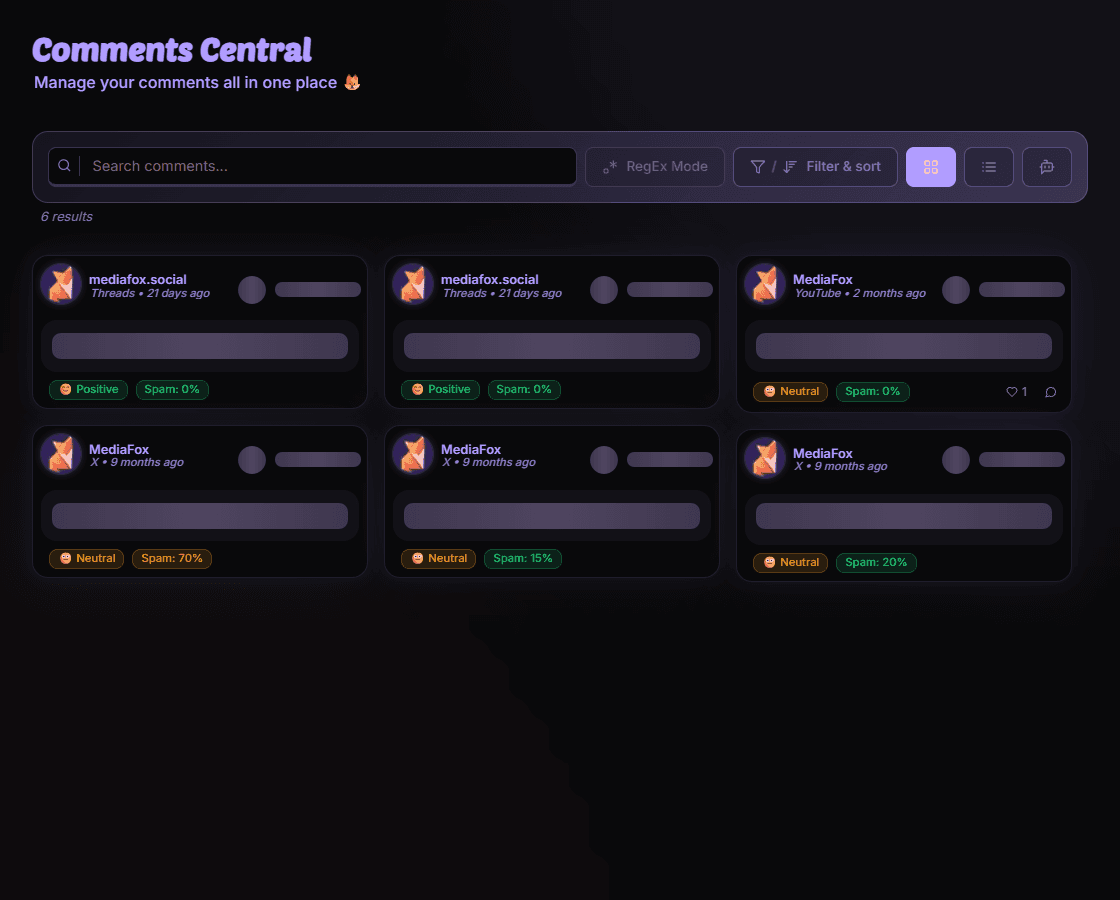
Comments Central brings conversations from accessible connected pages together. The organization needs the Comments Central add-on, and the platform must support the data and action you want.
Get started
- Check availability
Ask an owner to enable Comments Central in Add-On Management if necessary.
- Open the workspace
Select the organization, open Comments Central, and choose pages or a date range.
- Open a thread
Read a comment’s context before replying or moderating.
Some platforms or actions are missing
Support differs by platform. A connected page or comment count does not mean the platform allows every reply, hide, or delete action through MediaFox.
Disponibilité et accès
Votre organisation devra peut-être activer le module complémentaire concerné.