
Set up MediaFox for the first time
Get your account, workspace, and first social page ready to use.
Le contenu éditorial de cet article est actuellement disponible en anglais. La navigation du Centre d’aide est localisée.
Vue d’ensemble
Your MediaFox account is your personal sign-in. An organization is the shared workspace where your team manages social pages, content, and reports. You can create a workspace or join one your team already uses.
Set up your workspace
- Create your account
Register with email and a password or use Google. If you register by email, open the verification message in your inbox.
- Create or join an organization
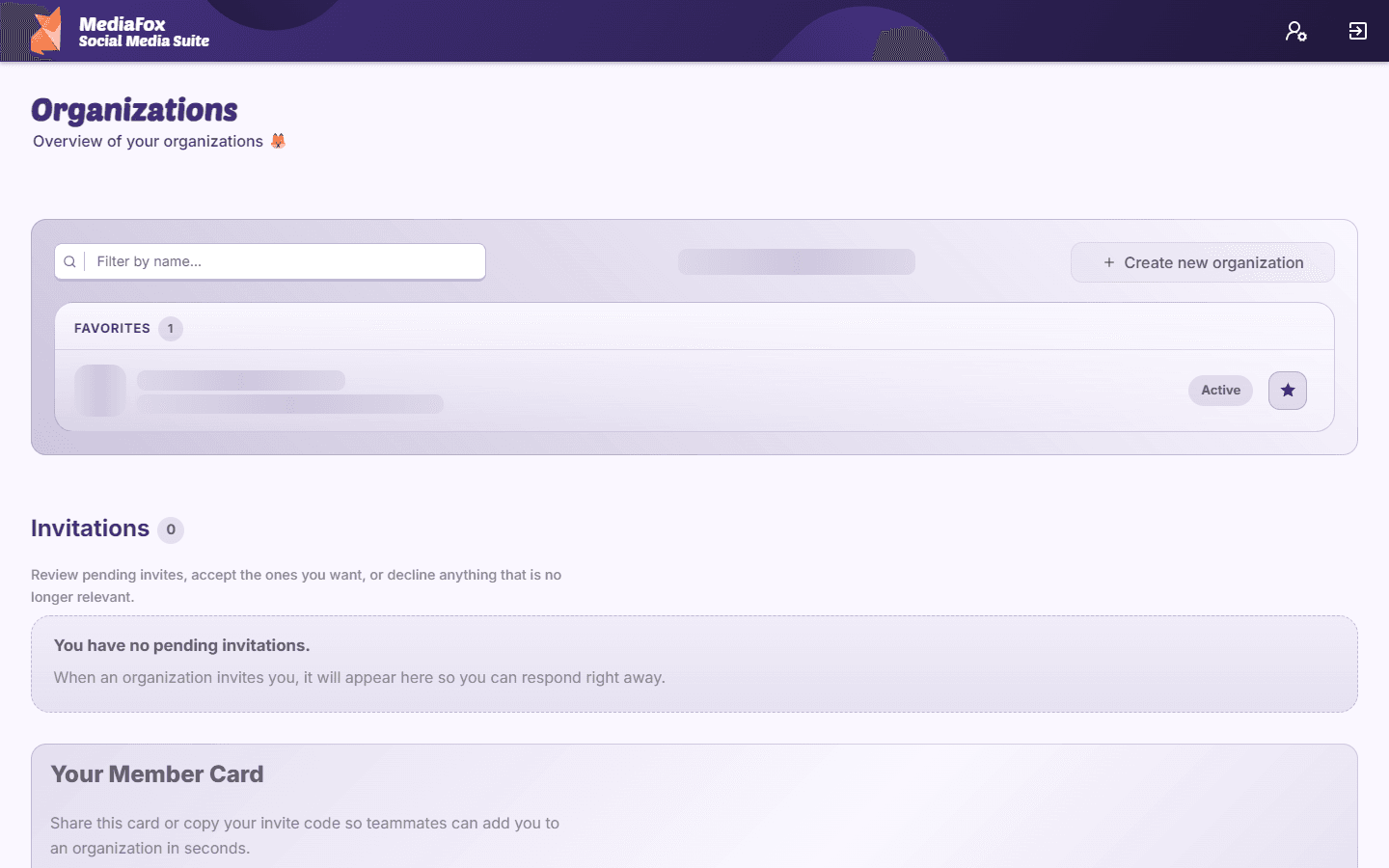
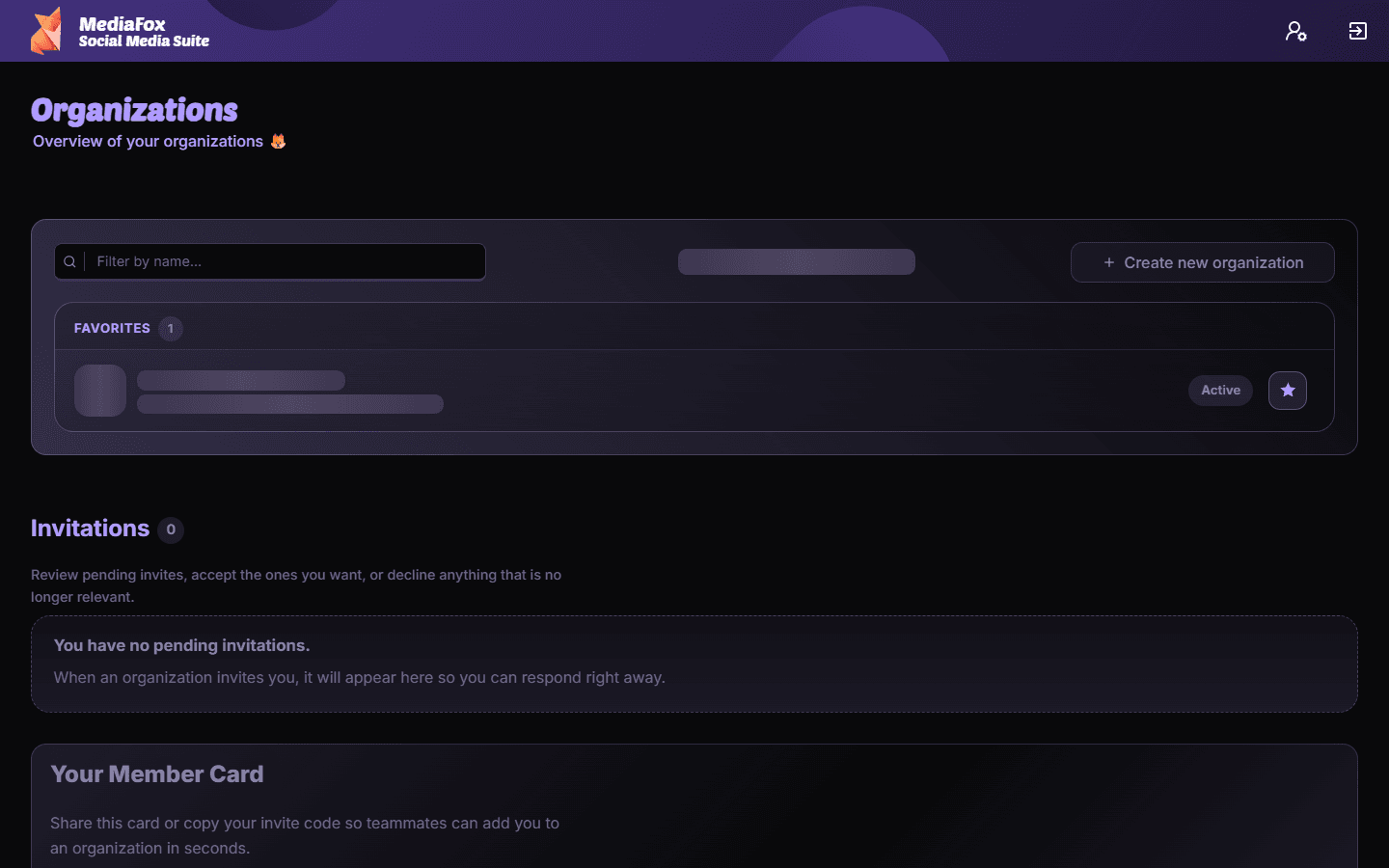
On the account dashboard, create an organization or accept your team’s invitation. Use an existing workspace when your team already has one.
- Open the organization
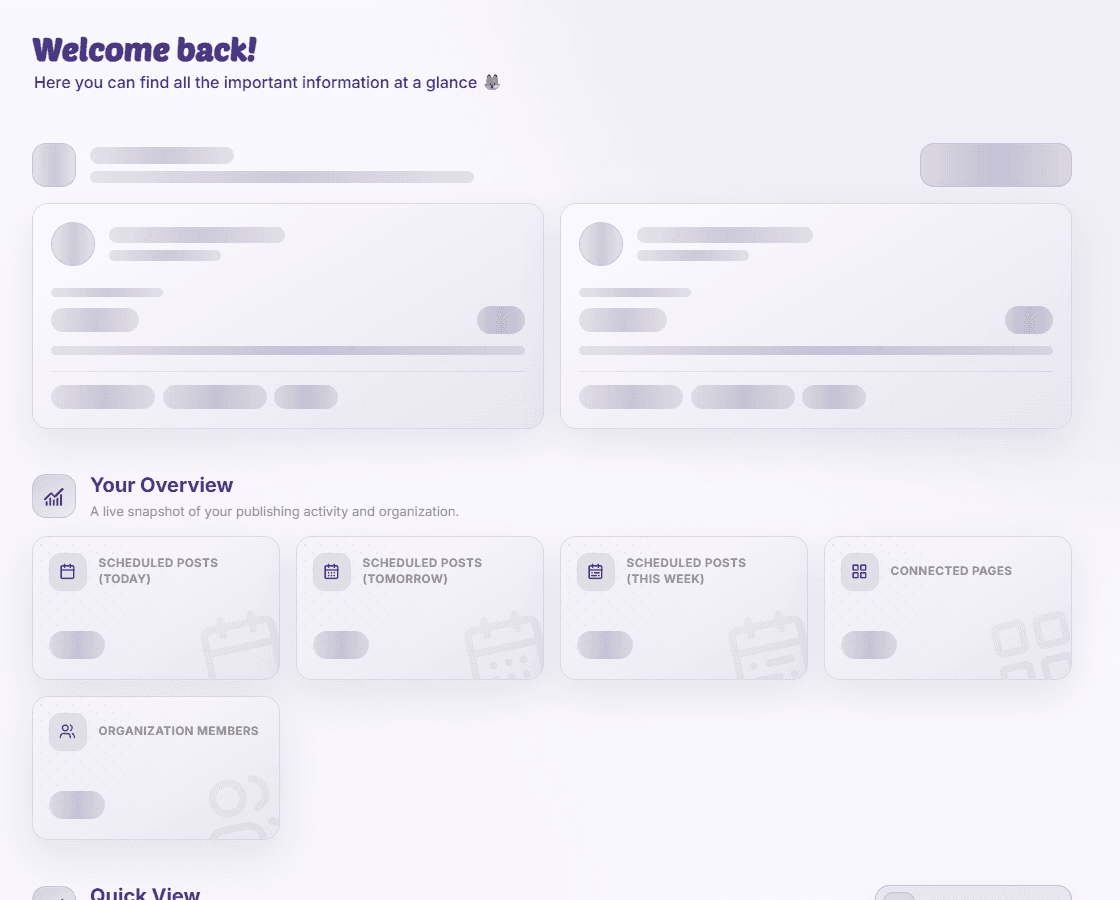
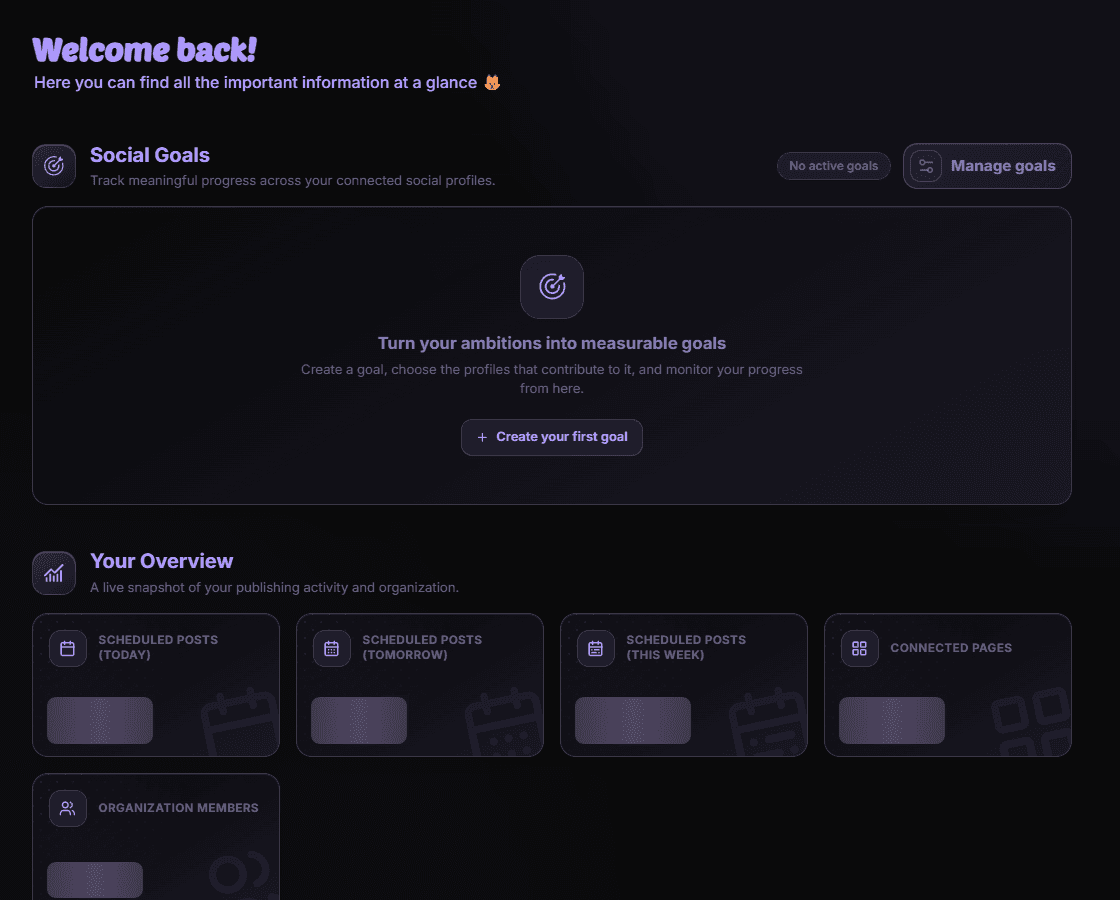
Select its card to open the organization dashboard. Check the organization name before connecting any social accounts.
- Connect a social page
Open Page Management and start the connection for your platform. Complete authorization and check the page’s connection status.
Your next step
Open Post Planner to prepare a first post, or invite teammates through User Management. If either option is missing, ask an organization owner to check your permissions.
Disponibilité et accès
La disponibilité dépend de votre accès à l’organisation et des autorisations attribuées.