
Invite a user by email or user ID
Add a teammate using their email address or MediaFox account identifier.
Le contenu éditorial de cet article est actuellement disponible en anglais. La navigation du Centre d’aide est localisée.
Vue d’ensemble
Invitations are organization-specific. Choose the roles before sending so the person receives the right access after acceptance.
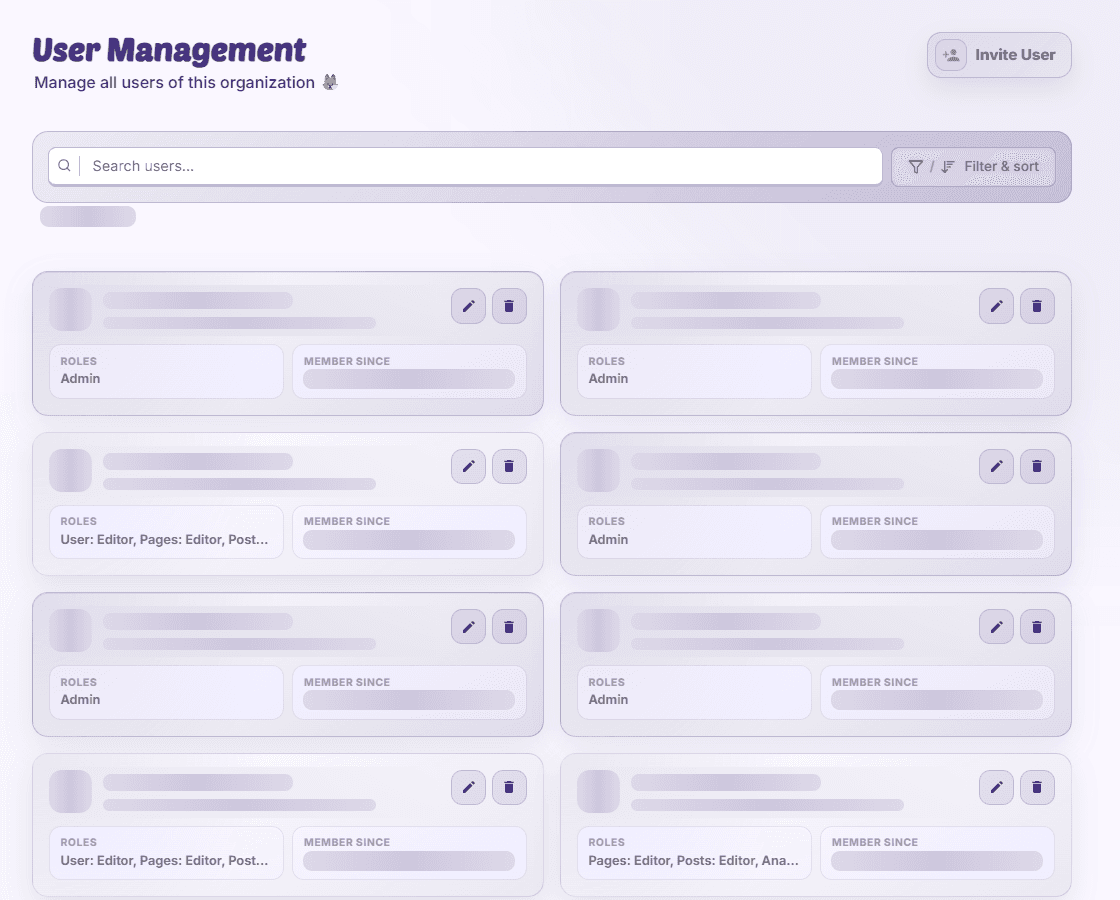
Send an invitation
- Open the invite action
In User Management, start an invitation with user-edit access.
- Enter the recipient
Use a valid email address or complete MediaFox user ID. Check the account identity.
- Assign roles and send
Choose permitted roles and submit. The recipient may need to register before accepting.
- Check pending status
Review the invitation’s expiry and acceptance state in User Management.
Correct a mistake
Revoke an invitation sent to the wrong recipient. If a role is unavailable, ask an owner; you cannot delegate access above your permitted rank.
Disponibilité et accès
La disponibilité dépend de votre accès à l’organisation et des autorisations attribuées.