
User Management overview
Review accepted members, pending invitations, and assigned roles.
Overview
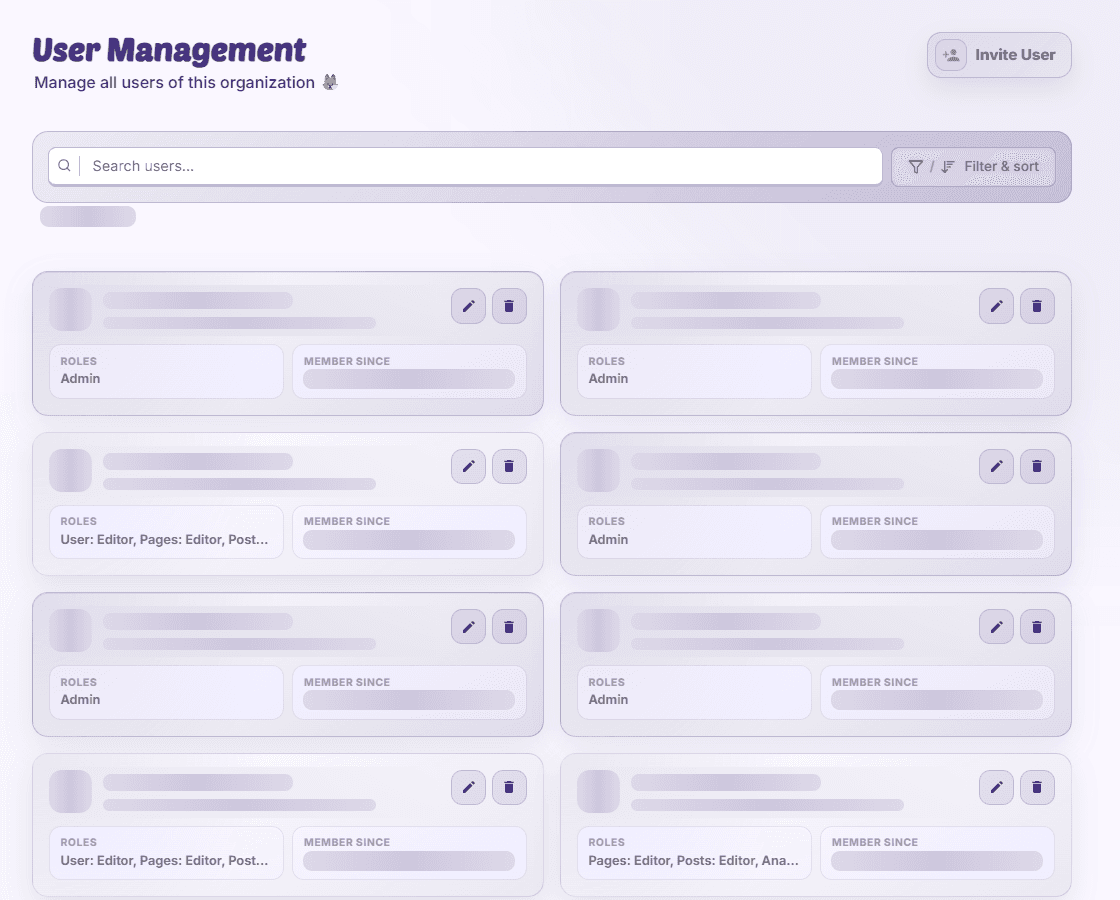
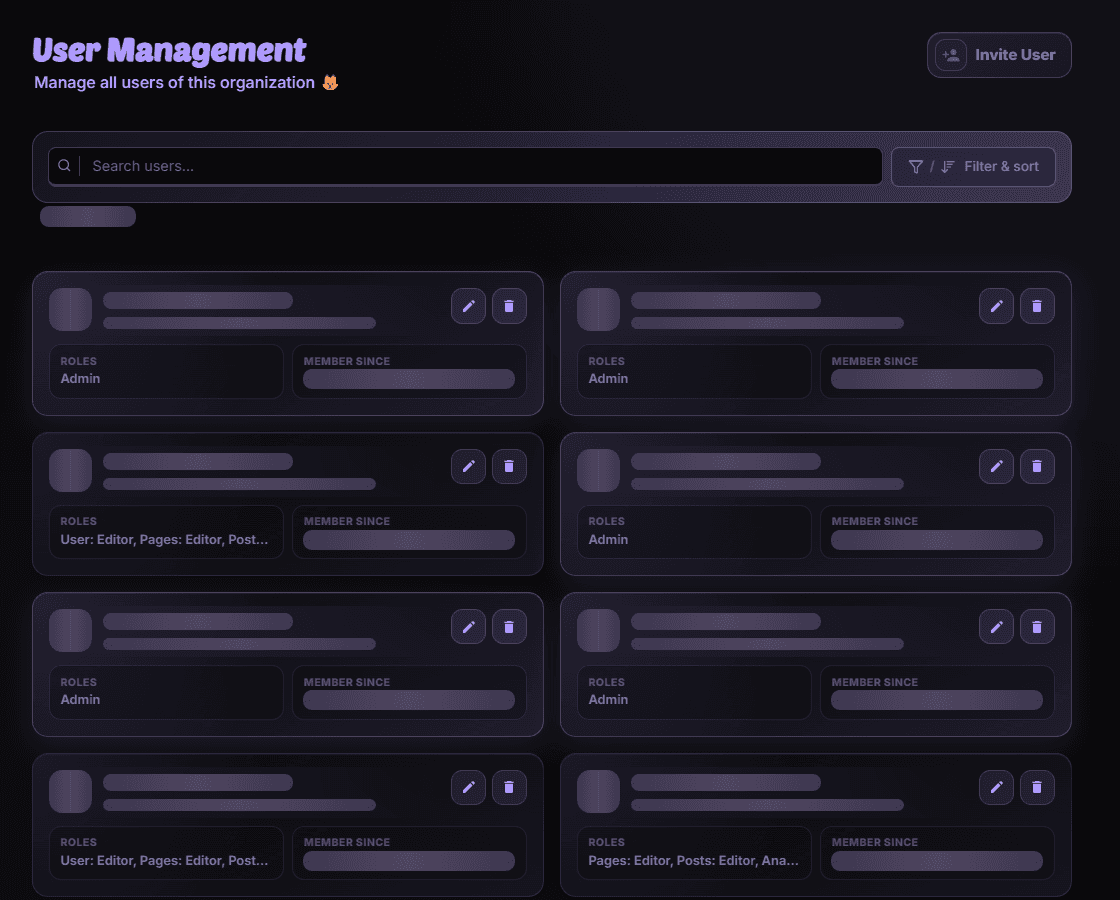
User Management shows who belongs to the organization and who has been invited. User-view permission allows inspection; user-edit permission is needed for supported membership changes.
Find a member
Search the list, filter or sort where offered, and browse other result pages. Check whether the person is an accepted member or a pending invitation and read join or expiry information.
Choose an action
Invite a teammate, edit roles, revoke a pending invitation, or remove a member where your access and role rank allow it. Some controls, including editing yourself in the table, are restricted even when you can edit other members.
Availability and access
Availability depends on your organization access and assigned permissions.