
Reporting permissions and dashboard overview
Find saved reports and understand what reporting viewers and editors can do.
Overview
Reporting & Analytics stores dashboards for your organization. Viewers can read accessible reports; editors can create dashboards and change their configuration.
Read the dashboard library
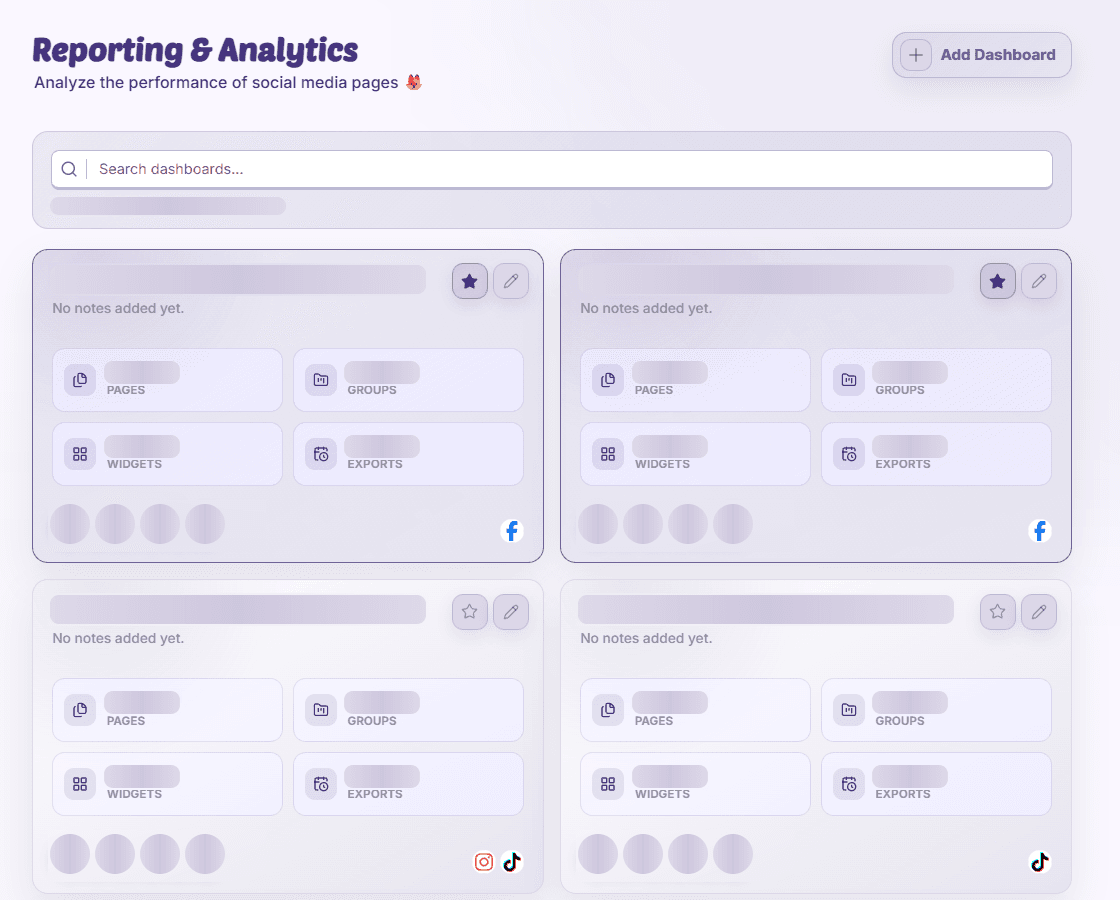
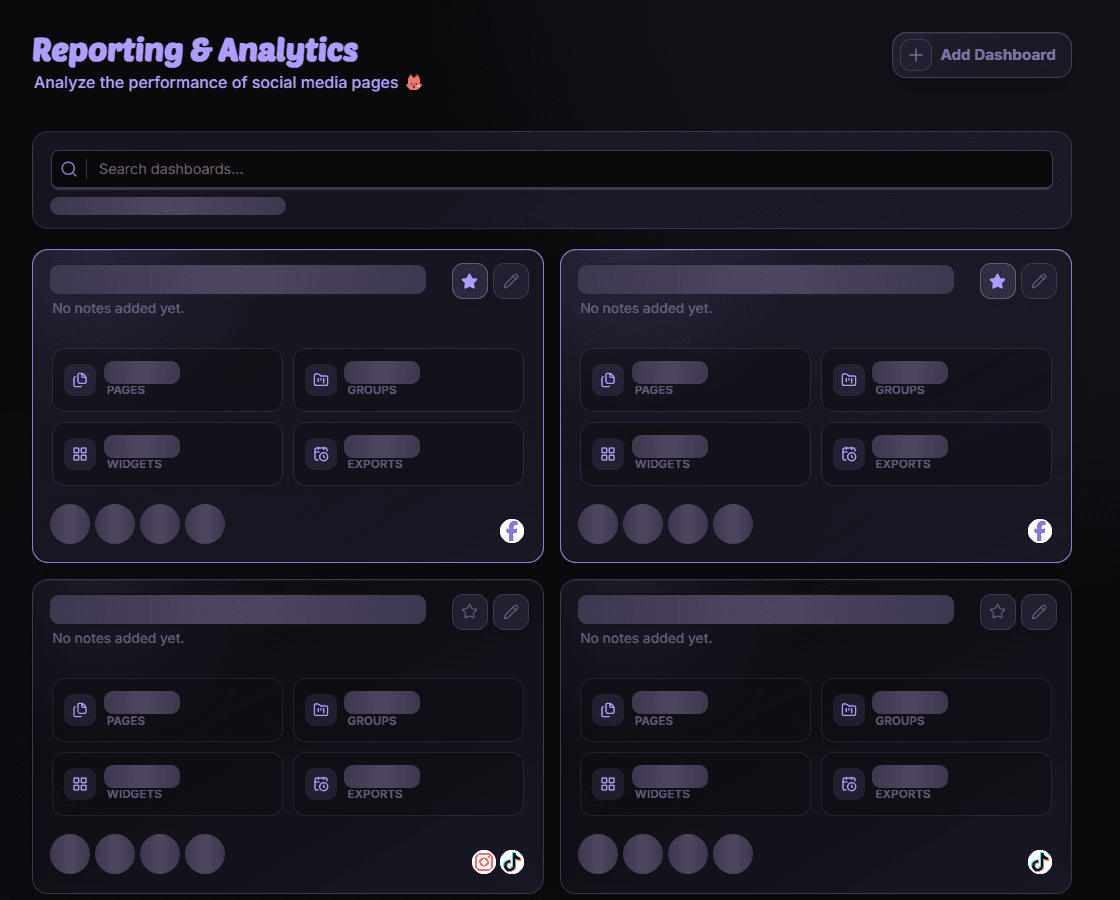
Dashboard cards identify the report by name, notes, selected pages or groups, and widget information. Search or browse the library and open the report you need. Check page avatars when similarly named dashboards cover different accounts.
Missing pages or controls
A report can lose access to a page that was removed or is no longer available to you. Check its scope and ask an owner about permissions. A report loading error is different from a chart with no matching data.
Availability and access
Availability depends on your organization access and assigned permissions.