
Invite a user by email or user ID
Add a teammate using their email address or MediaFox account identifier.
Overview
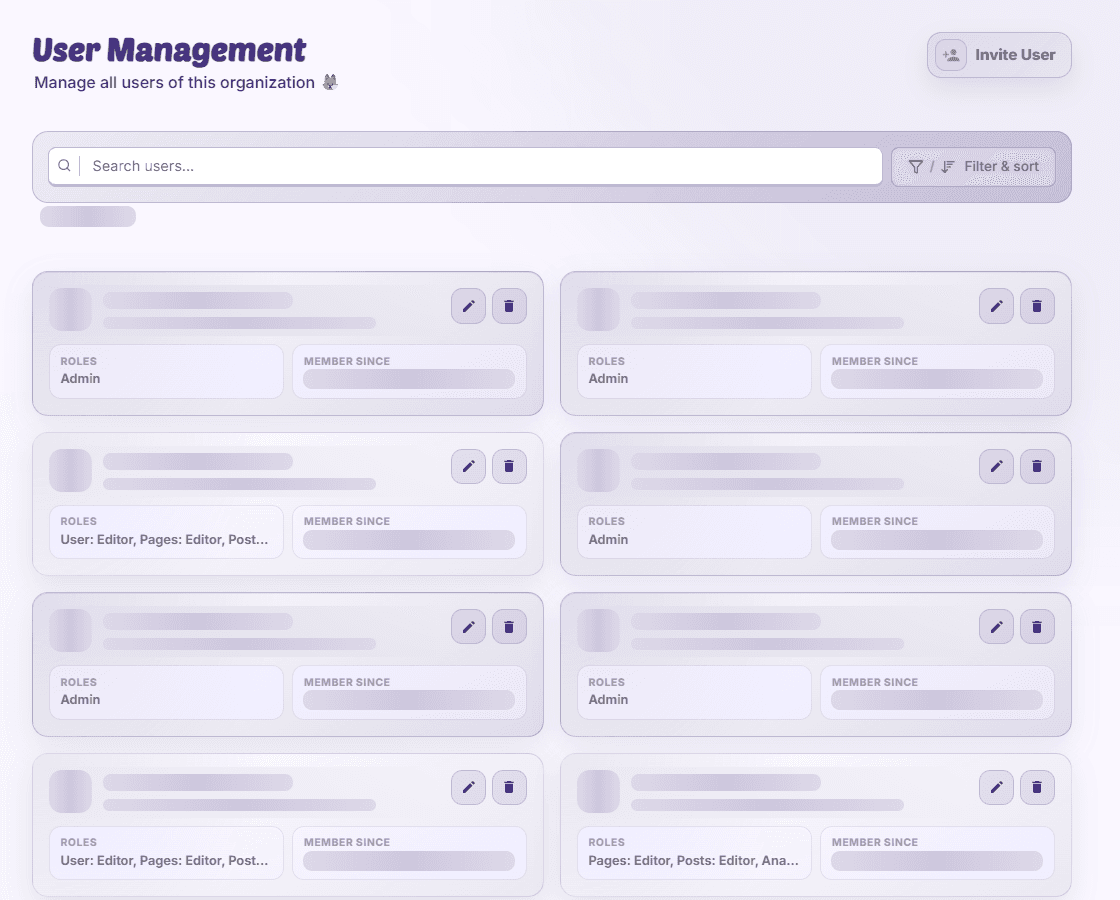
Invitations are organization-specific. Choose the roles before sending so the person receives the right access after acceptance.
Send an invitation
- Open the invite action
In User Management, start an invitation with user-edit access.
- Enter the recipient
Use a valid email address or complete MediaFox user ID. Check the account identity.
- Assign roles and send
Choose permitted roles and submit. The recipient may need to register before accepting.
- Check pending status
Review the invitation’s expiry and acceptance state in User Management.
Correct a mistake
Revoke an invitation sent to the wrong recipient. If a role is unavailable, ask an owner; you cannot delegate access above your permitted rank.
Availability and access
Availability depends on your organization access and assigned permissions.