
Create and publish a Link Tree
Create a public page of links for your profile, campaign, or organization.
Overview
A Link Tree starts as a private draft. You can prepare its profile, appearance, and destinations before publishing a public version. FoxLink and Link Tree editor access are required.
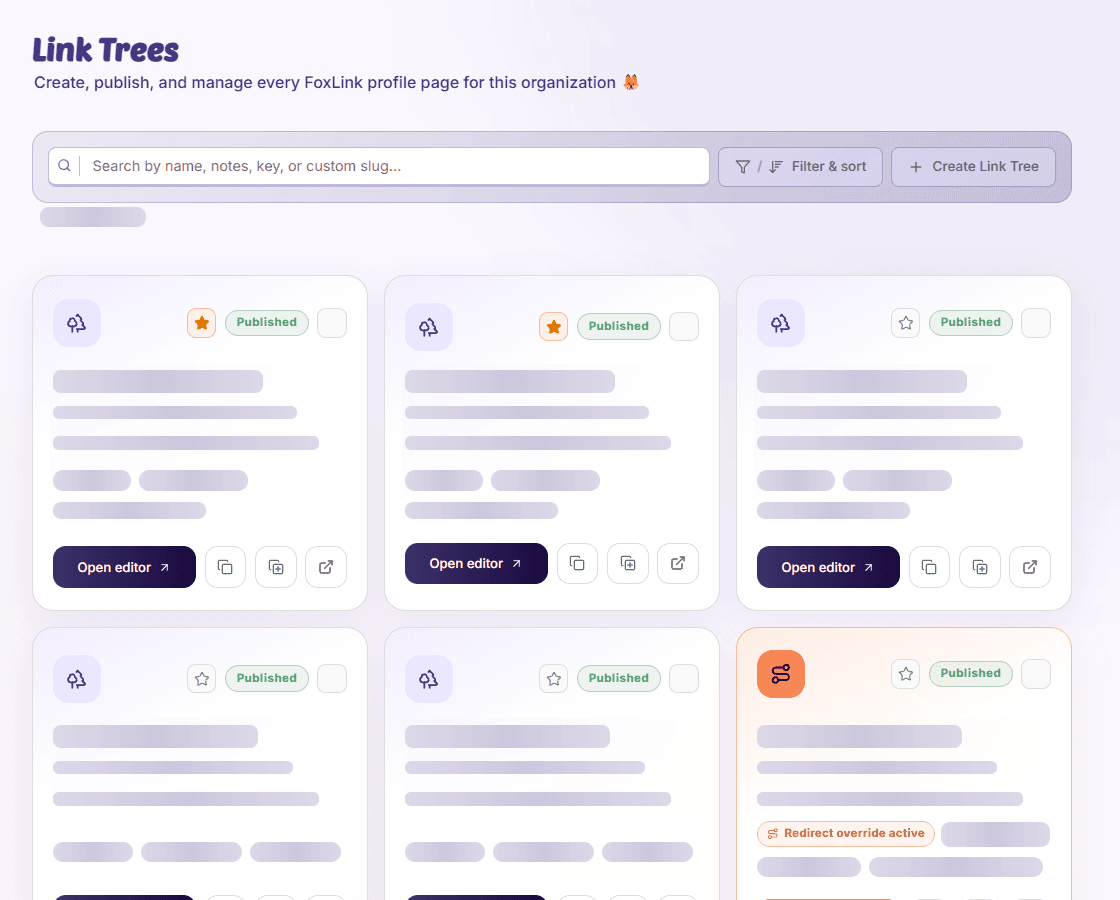
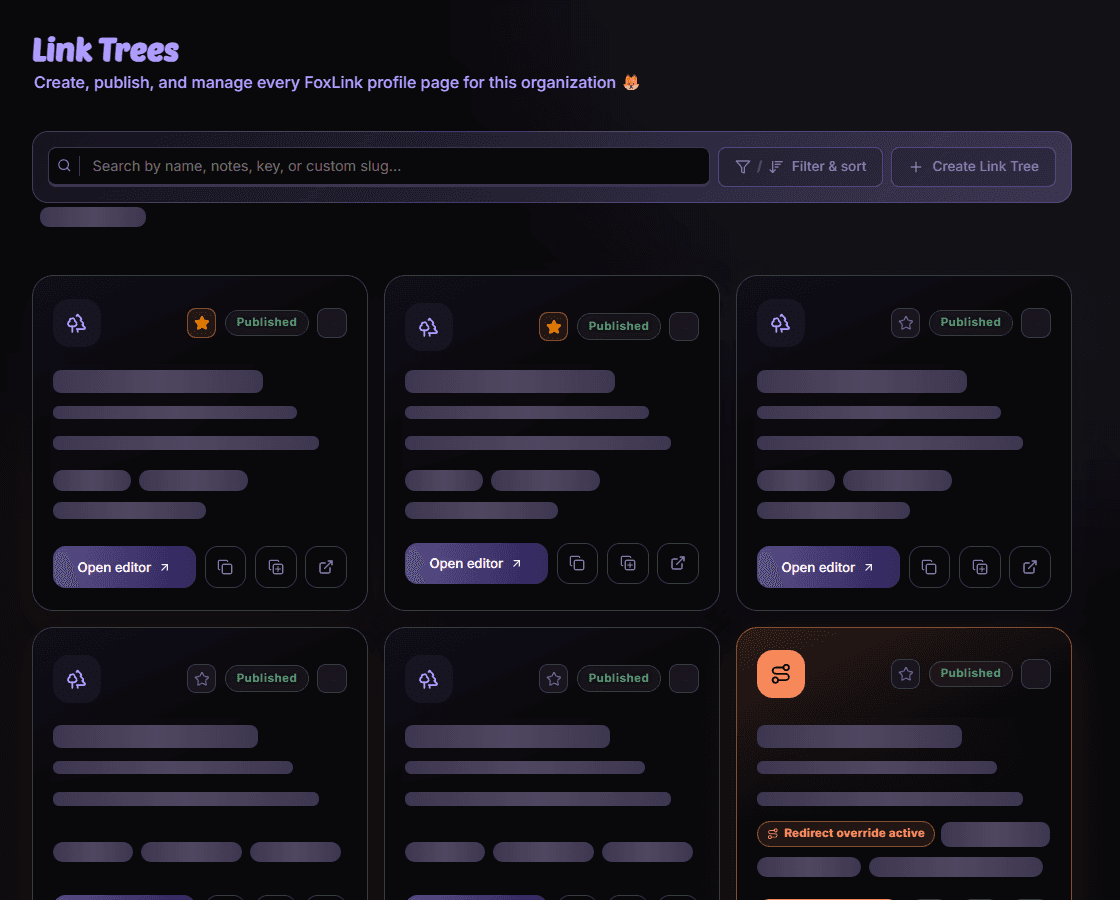
Build your first Link Tree
- Create a draft
Open FoxLink, choose Link Trees, and create a tree with a name. That name becomes the public heading; internal notes are not shown to visitors.
- Add destinations
Choose existing Short Links or create destinations if you also have Short Link editor access. Give each item a clear call to action.
- Review the page
Set the profile description, image, and appearance. Check item order, visibility, and preview images.
- Publish and share
Save your work, publish the draft, and copy the public URL. Open it to check the version your visitors will see.
Make later changes
Saving a draft does not update the live page. Publish again when your changes are ready. Keep the generated URL if you want a permanent address independent of your custom slug.
Availability and access
Availability depends on your organization access and assigned permissions.