
Set up MediaFox for the first time
Get your account, workspace, and first social page ready to use.
Il contenuto editoriale di questo articolo è attualmente disponibile in inglese. La navigazione del Centro assistenza è localizzata.
Panoramica
Your MediaFox account is your personal sign-in. An organization is the shared workspace where your team manages social pages, content, and reports. You can create a workspace or join one your team already uses.
Set up your workspace
- Create your account
Register with email and a password or use Google. If you register by email, open the verification message in your inbox.
- Create or join an organization
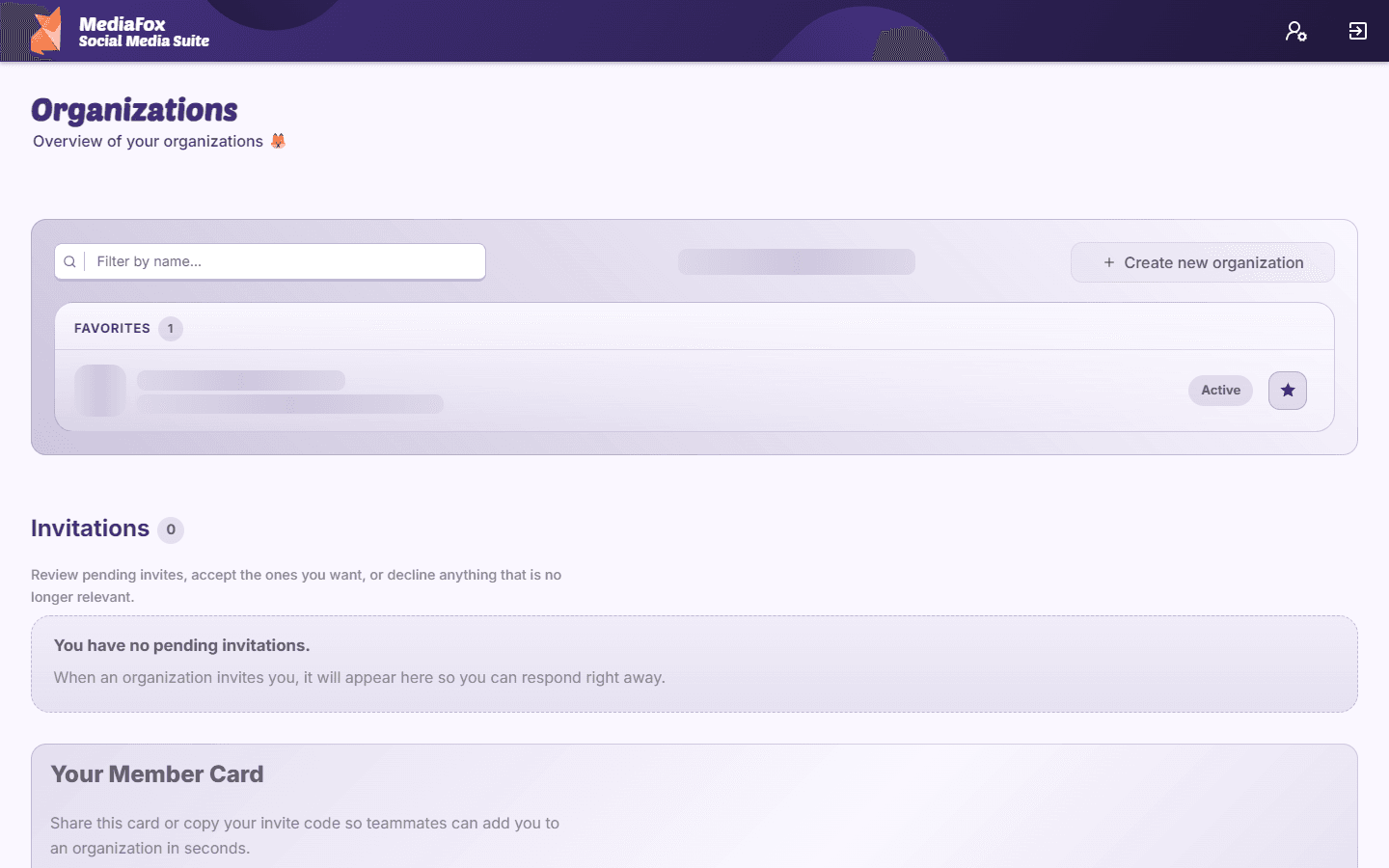
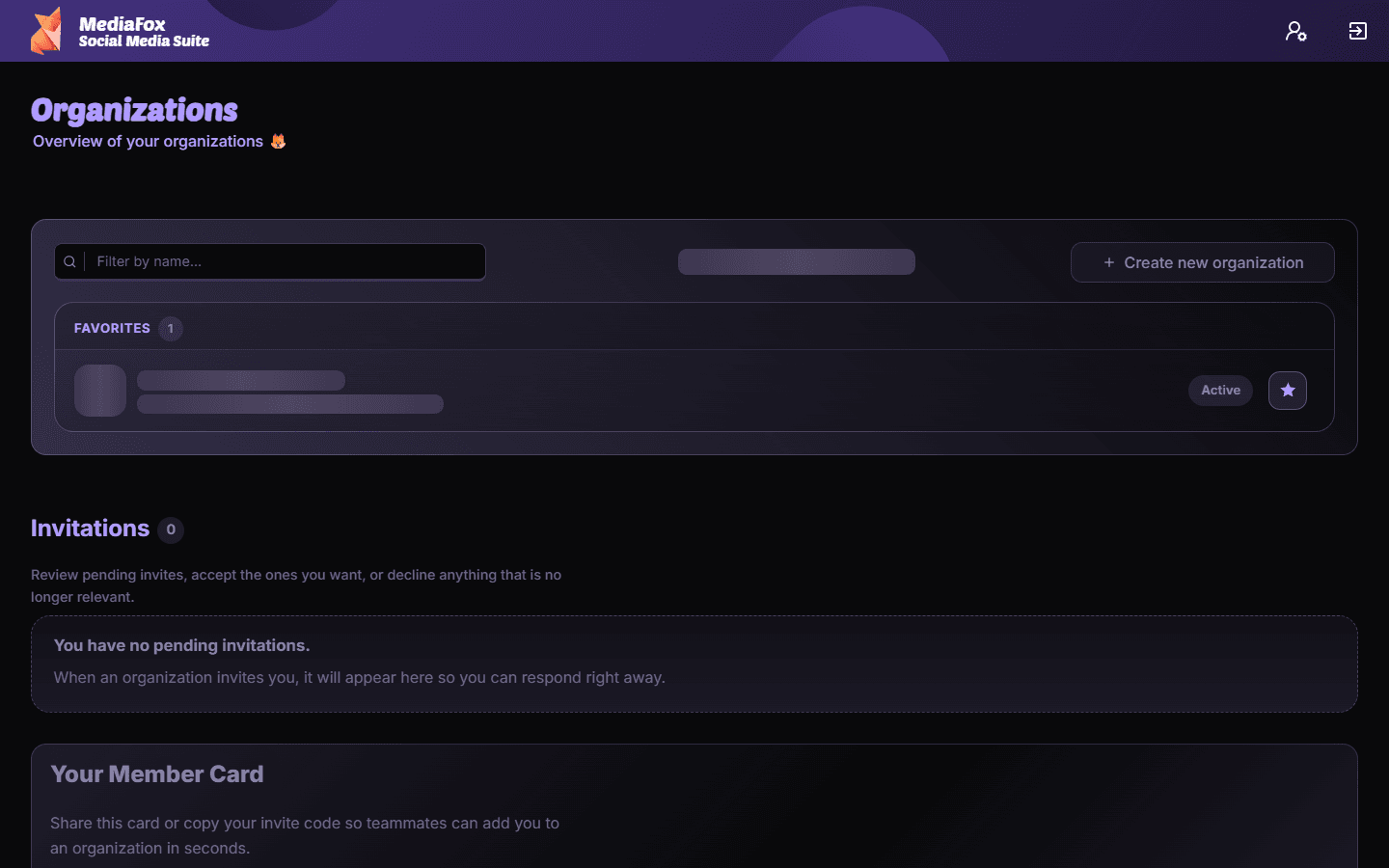
On the account dashboard, create an organization or accept your team’s invitation. Use an existing workspace when your team already has one.
- Open the organization
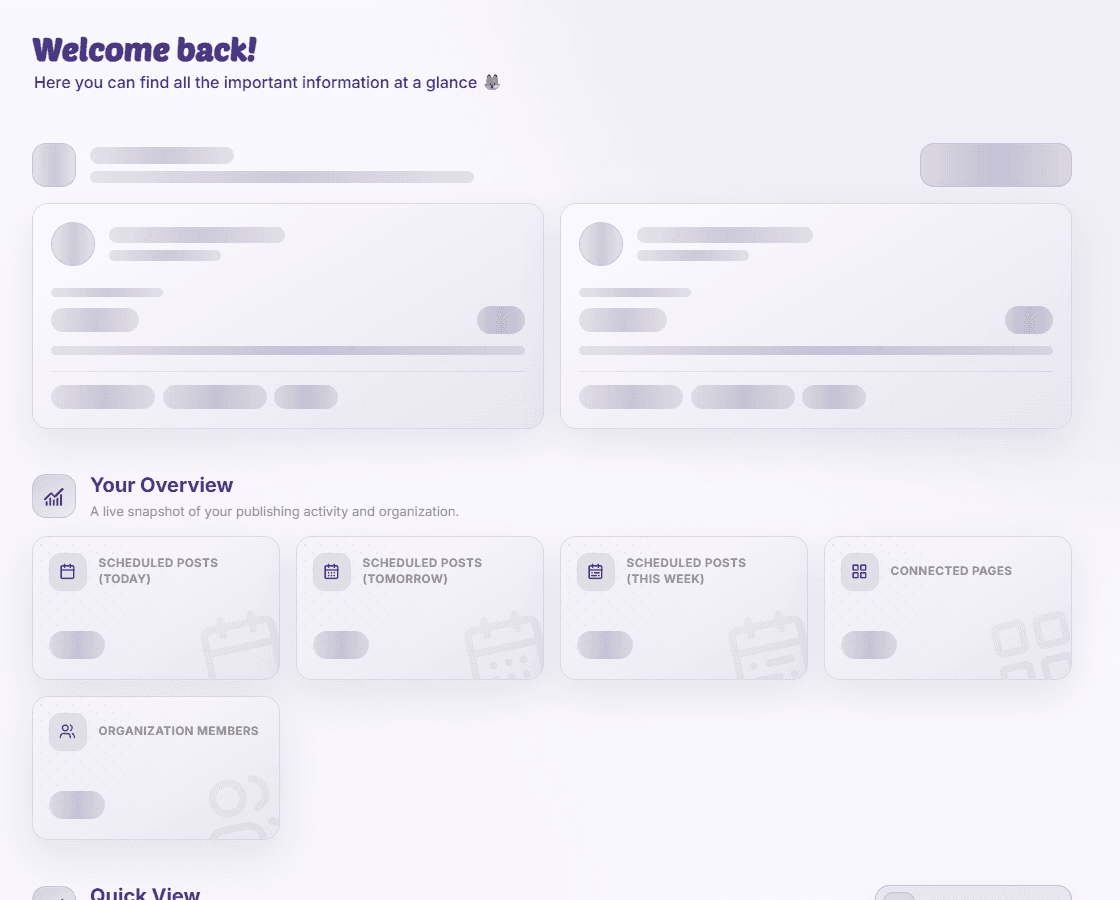
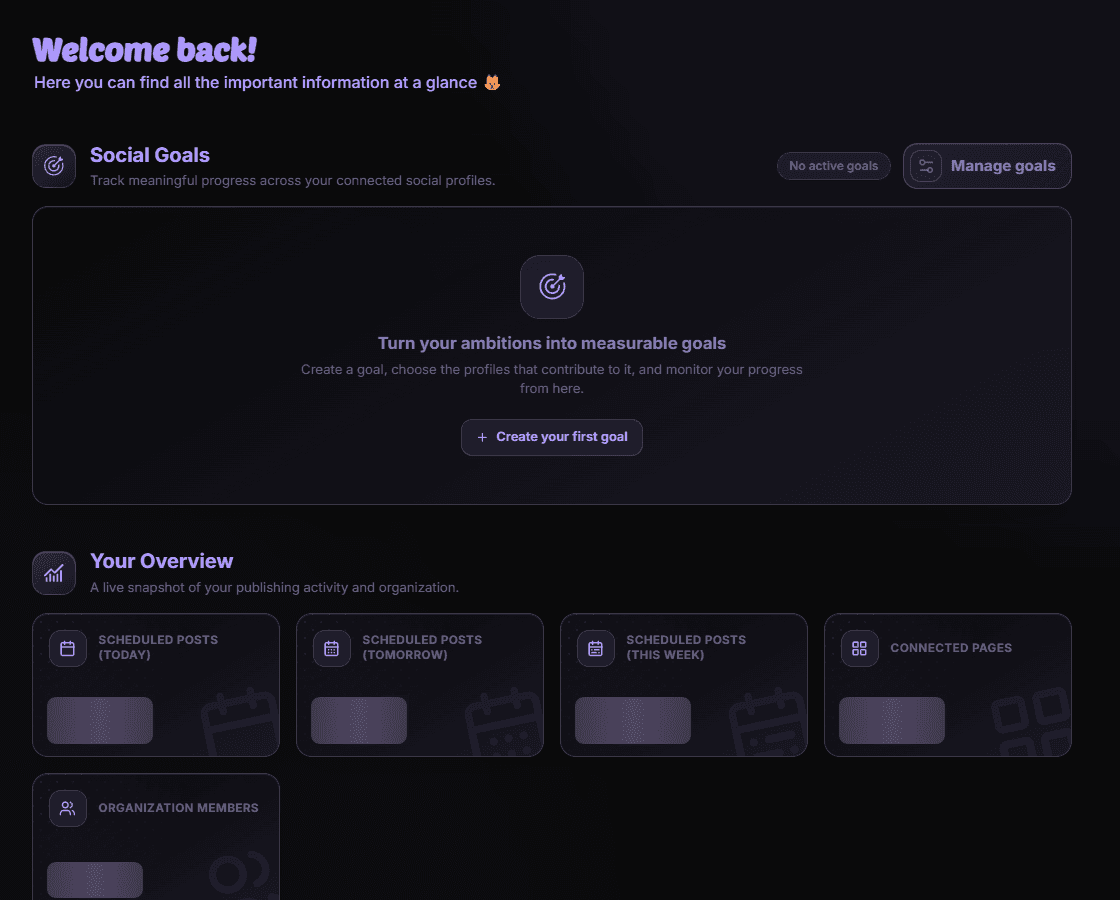
Select its card to open the organization dashboard. Check the organization name before connecting any social accounts.
- Connect a social page
Open Page Management and start the connection for your platform. Complete authorization and check the page’s connection status.
Your next step
Open Post Planner to prepare a first post, or invite teammates through User Management. If either option is missing, ask an organization owner to check your permissions.
Disponibilità e accesso
La disponibilità dipende dall’accesso all’organizzazione e dalle autorizzazioni assegnate.