
Create and schedule your first post
Write a post, preview it for your channels, and choose when it should publish.
Il contenuto editoriale di questo articolo è attualmente disponibile in inglese. La navigazione del Centro assistenza è localizzata.
Panoramica
Post Planner lets you prepare one piece of content for several connected pages. Each platform can have its own text, media, and publishing time. You need post-edit access and a working page connection.
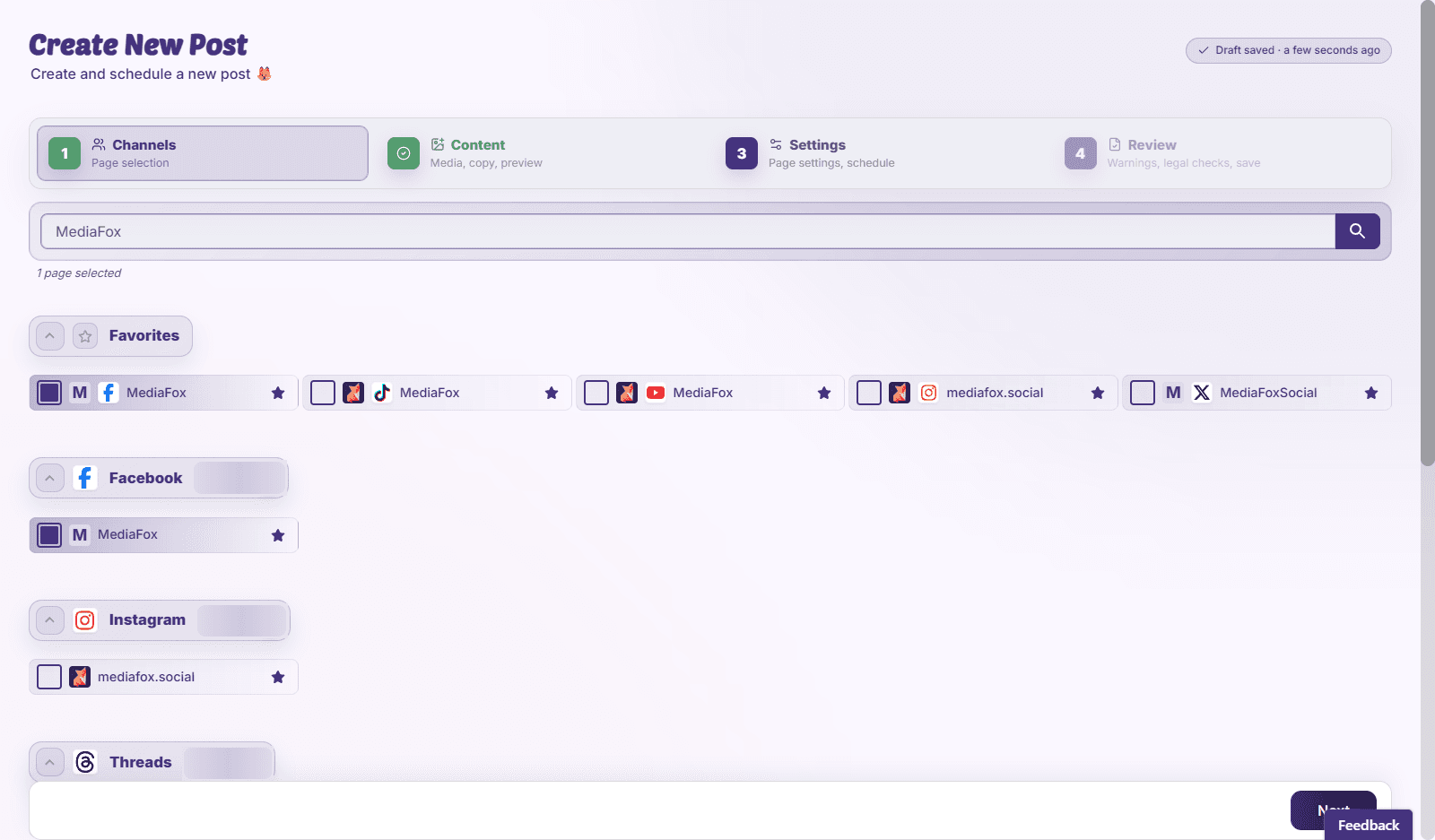
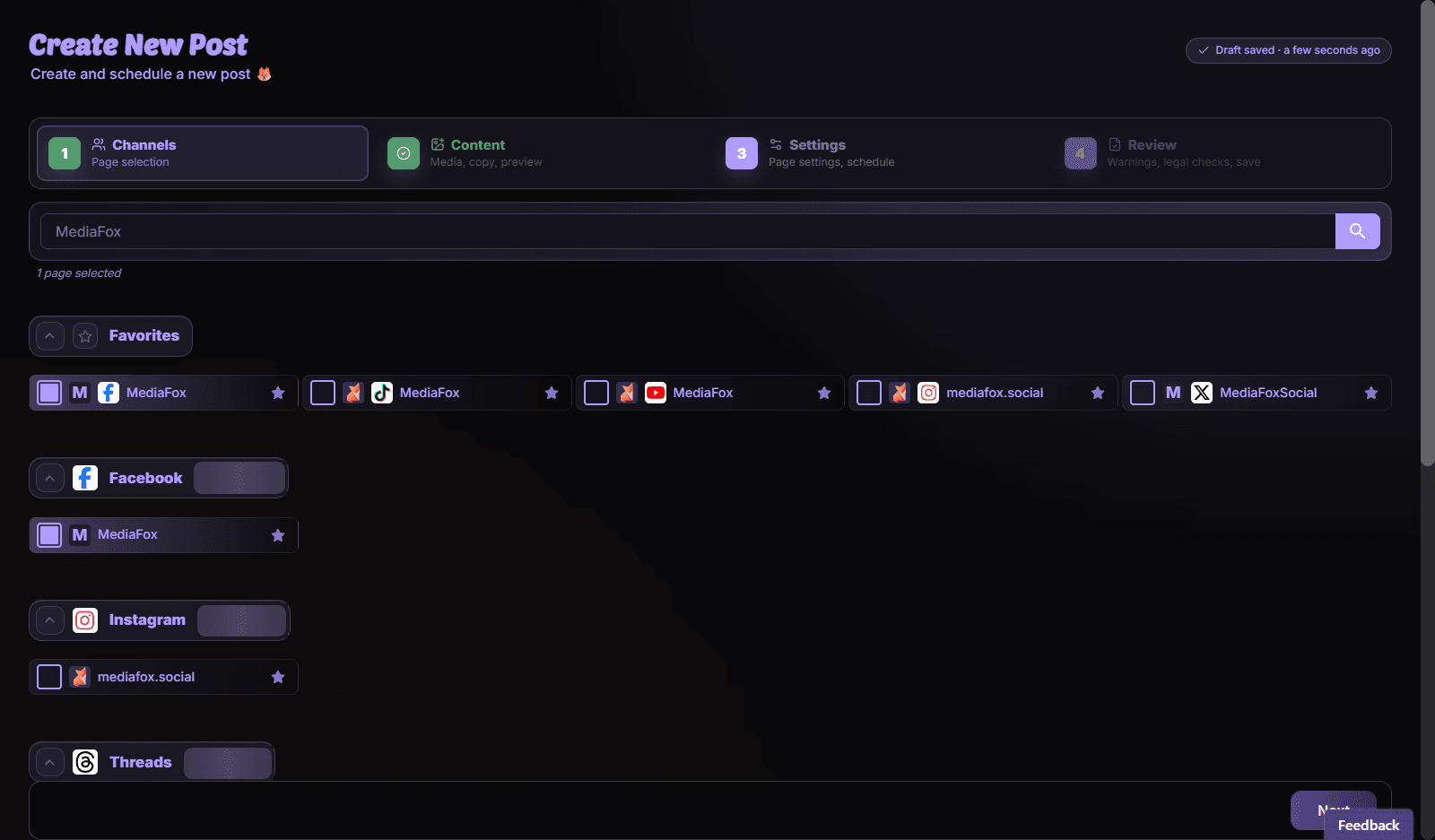
Prepare and schedule
- Choose your pages
Open Post Planner and select the pages that should receive the post. Check any connection warnings beside them.
- Add content
Write the caption and add media. Open each platform’s preview and fill in fields such as a video title where required.
- Set the publishing time
Choose a future date and time, checking the timezone shown. Review per-page times if you stagger the post.
- Review and save
Resolve validation errors, review collision warnings, then choose Save & Schedule.
Confirm the schedule
Open the calendar and find the post on the intended date. Saving a time in the past can start publishing immediately. If the post needs approval, use Request Review and arrange for an approver to review it before its planned time.
Disponibilità e accesso
La disponibilità dipende dall’accesso all’organizzazione e dalle autorizzazioni assegnate.