
Understand the account dashboard
Use your account dashboard to open organizations and respond to invitations.
Core
Overview
The account dashboard is the starting point after sign-in. It shows the workspaces linked to your account rather than the publishing calendar or analytics for a single organization.
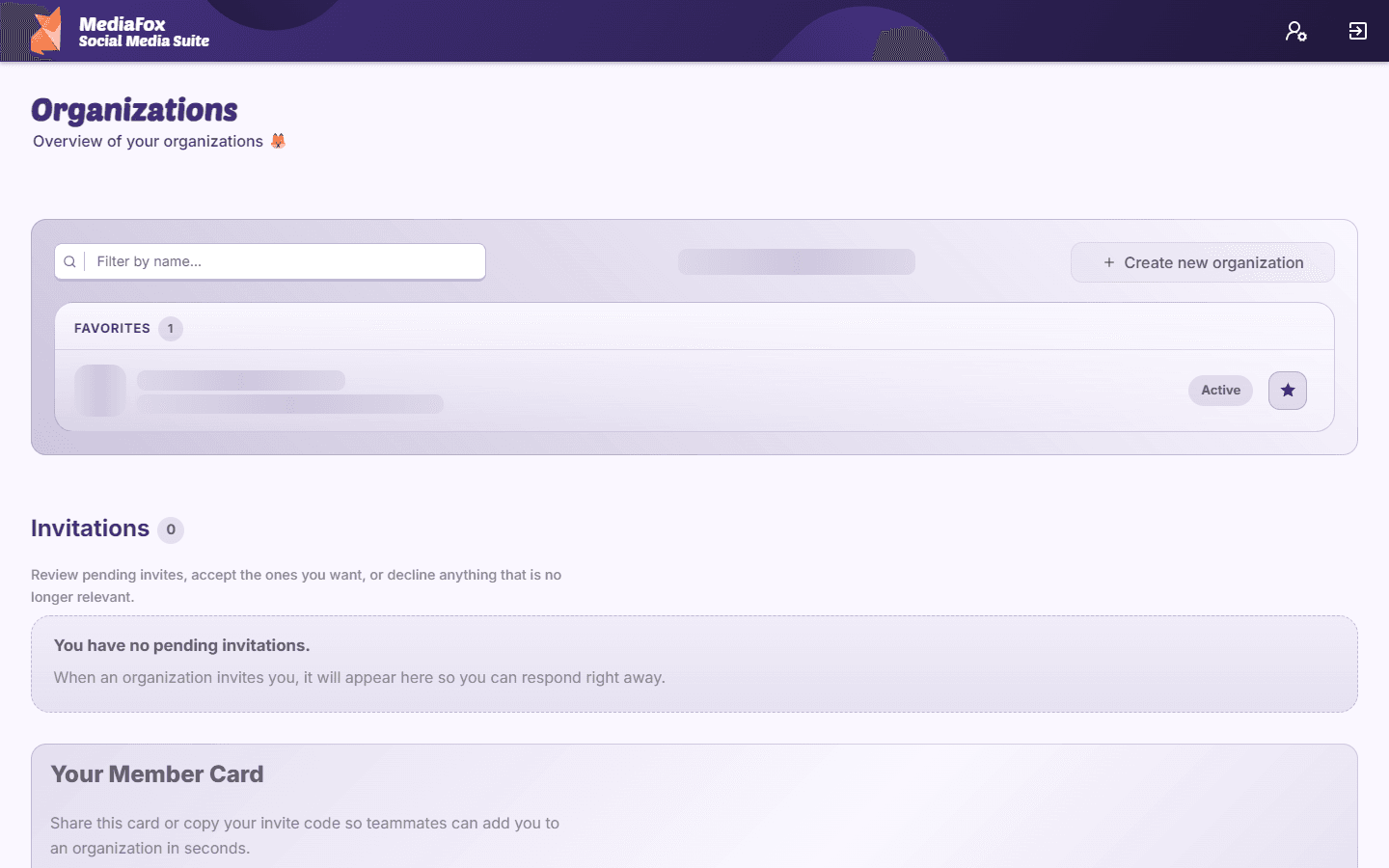
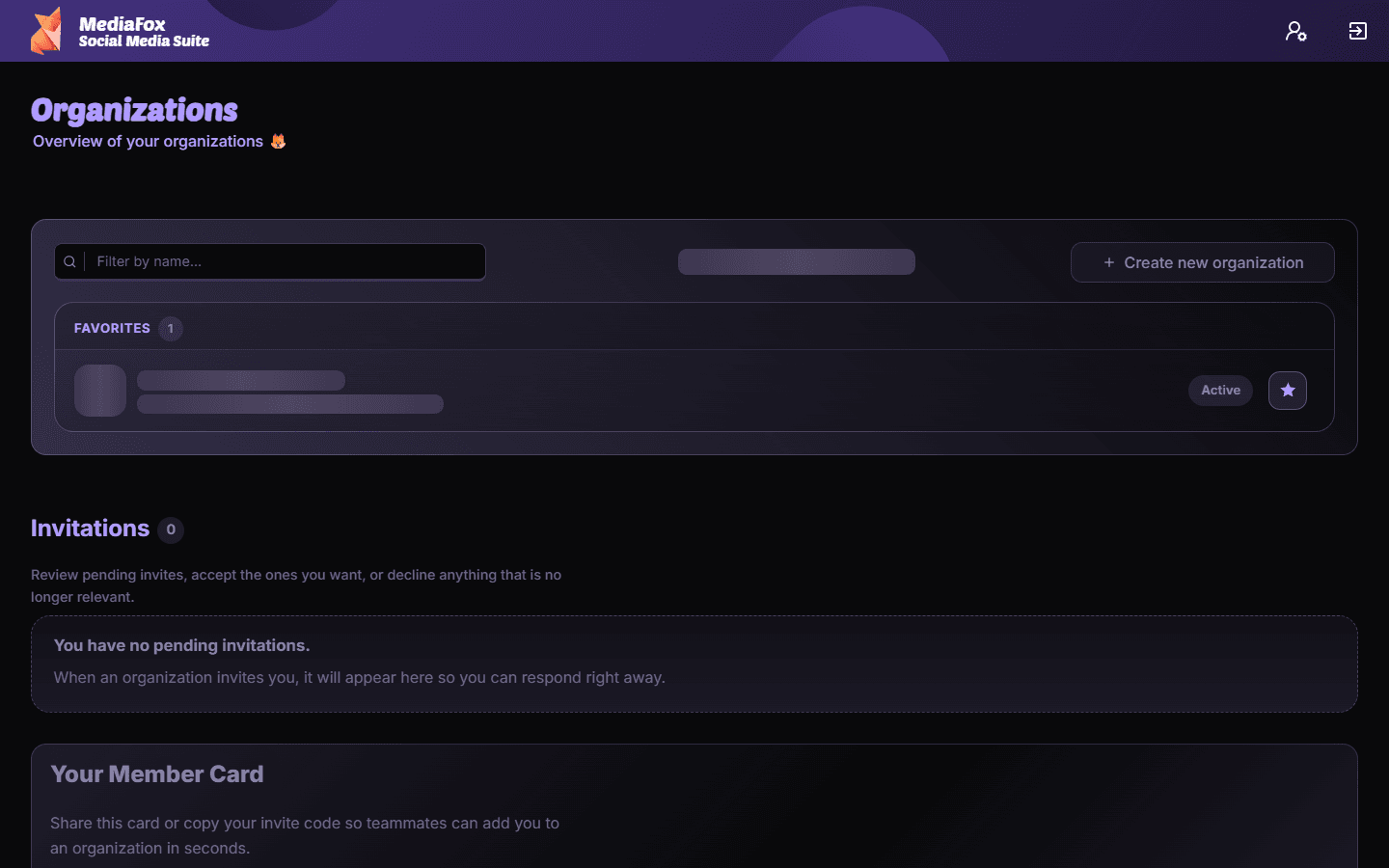
What you can do here
- Open an organization card to enter its workspace; page and member counts help identify it.
- Accept or decline pending invitations from other teams.
- Create an organization if you are setting up a new workspace.
- Read available MediaFox news and review your account information.
No organizations yet?
Create one if you are starting a new team, or ask an existing organization owner to invite your account. If you expected a workspace to be listed, confirm that you signed in with the invited email address.
Availability and access
Core
This feature does not require an add-on, although permissions or organization settings may still apply.