
Enable and access Comments Central
Open a shared workspace for supported social comments and moderation.
Add-on
Overview
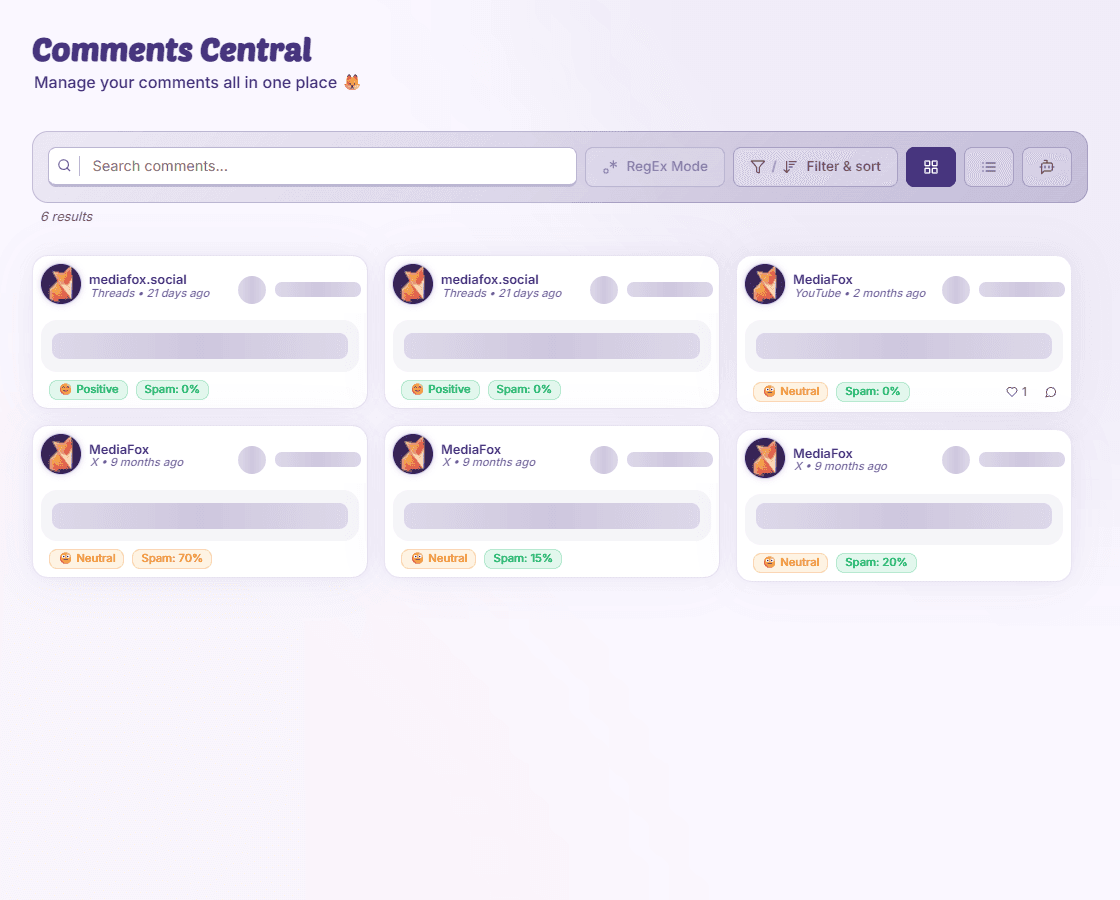
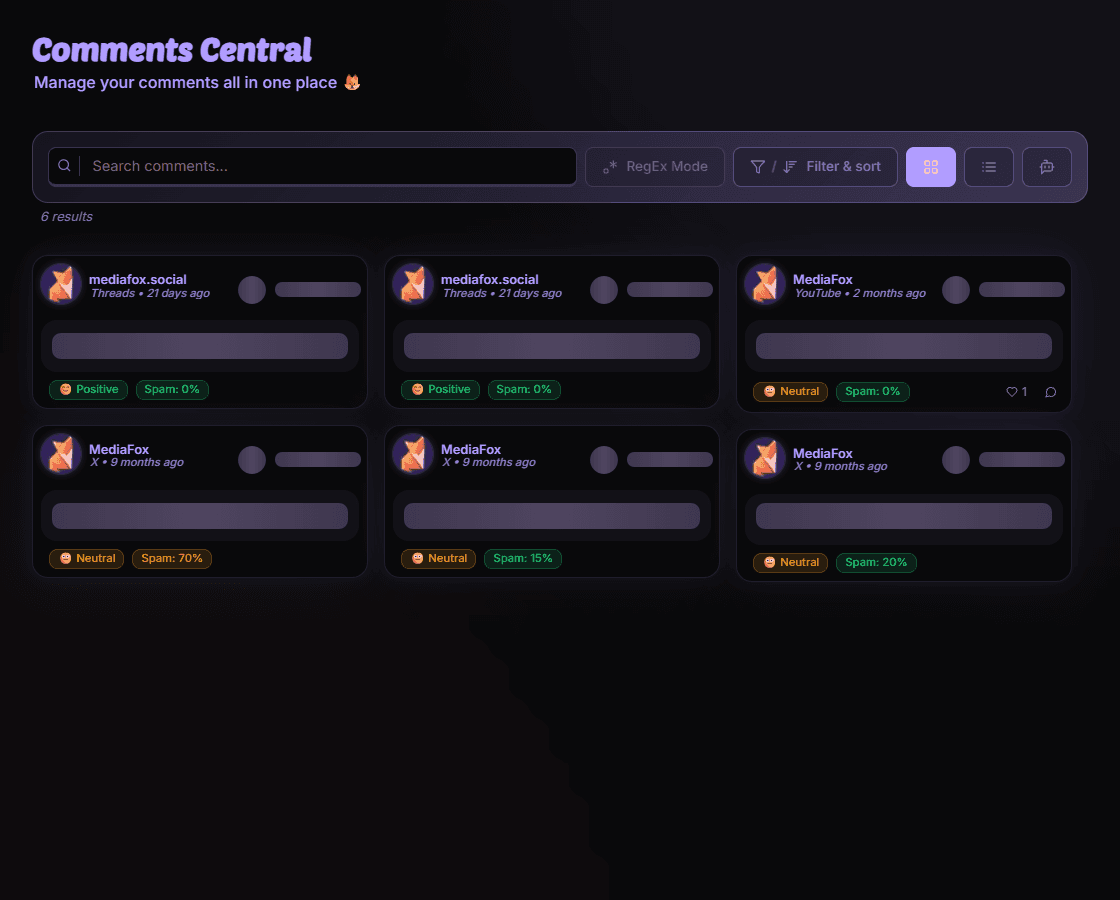
Comments Central brings conversations from accessible connected pages together. The organization needs the Comments Central add-on, and the platform must support the data and action you want.
Get started
- Check availability
Ask an owner to enable Comments Central in Add-On Management if necessary.
- Open the workspace
Select the organization, open Comments Central, and choose pages or a date range.
- Open a thread
Read a comment’s context before replying or moderating.
Some platforms or actions are missing
Support differs by platform. A connected page or comment count does not mean the platform allows every reply, hide, or delete action through MediaFox.
Availability and access
Add-on
Your organization may need the relevant add-on enabled.