Understand the organization dashboard
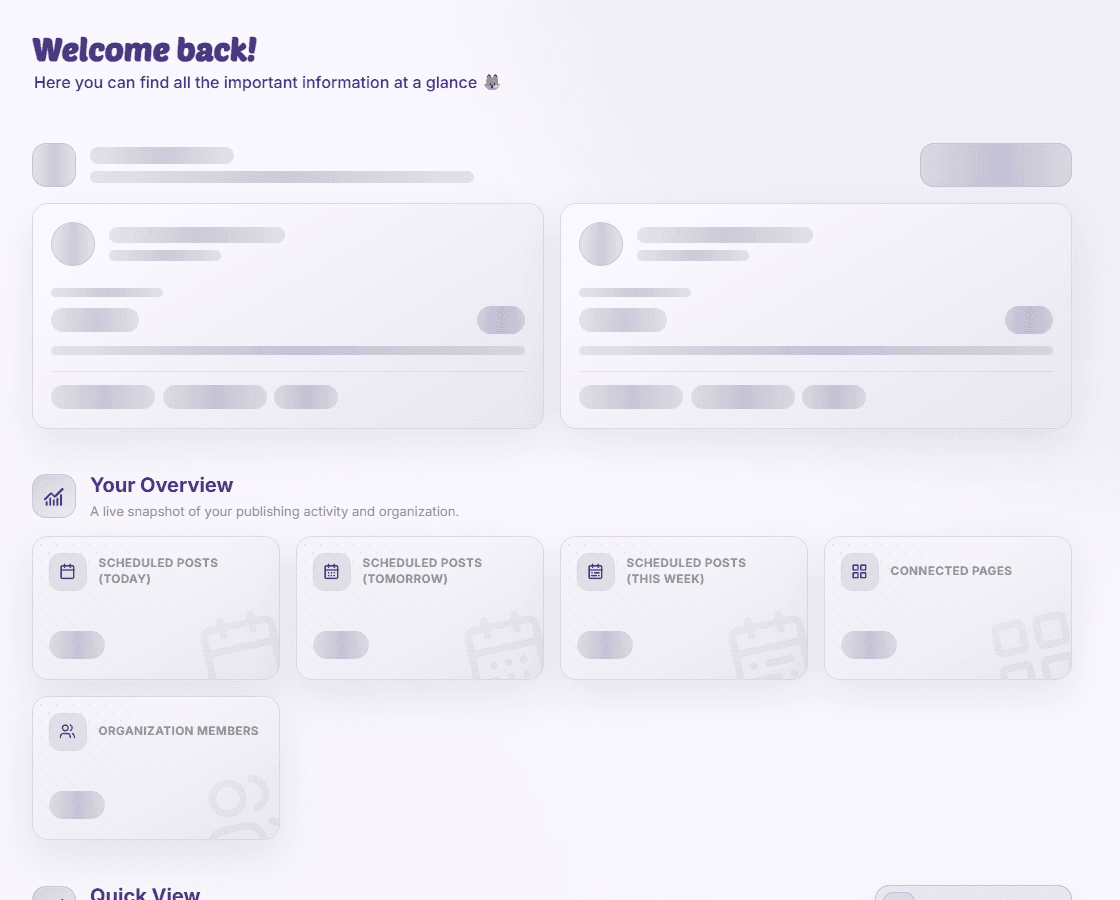
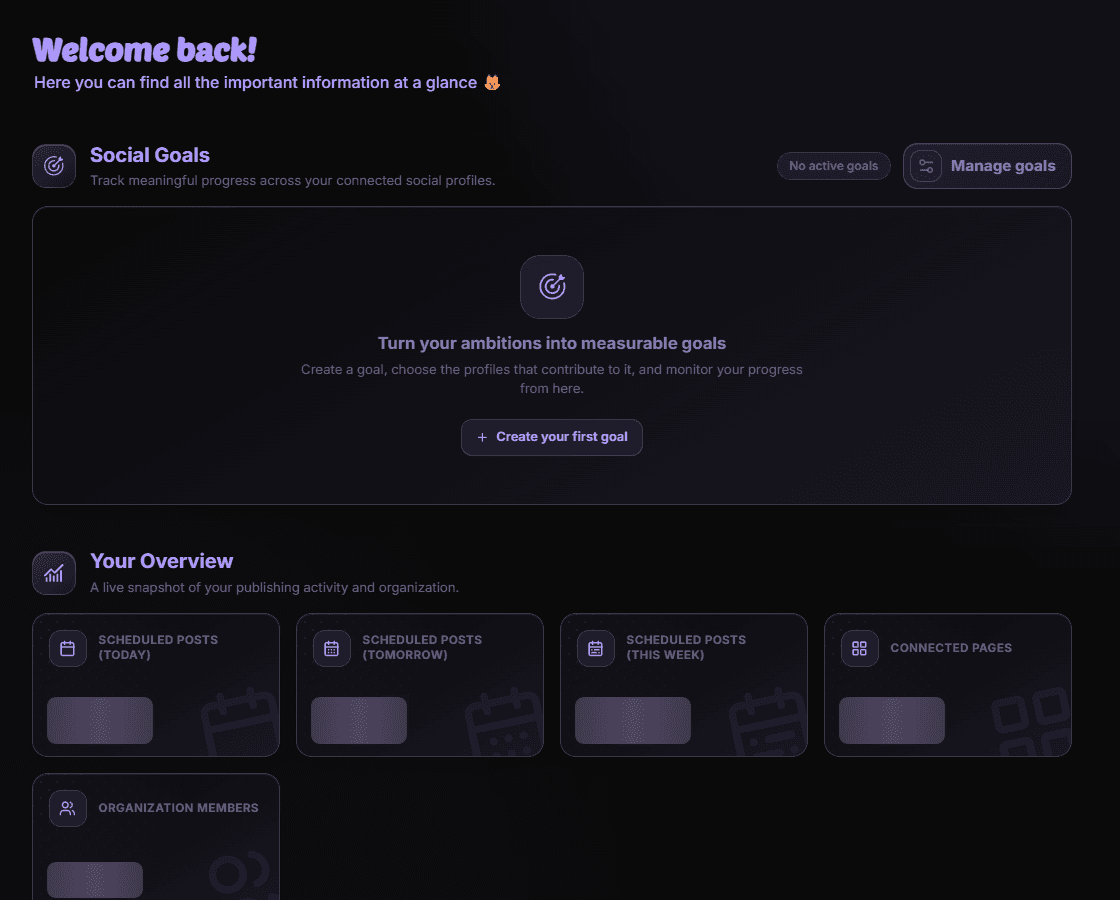
Greeting, planned-post counters for today/tomorrow/week, connected pages, member count, goals, Quick View, top content, and news. Core.
Der redaktionelle Inhalt dieses Artikels ist derzeit auf Englisch verfügbar. Die Navigation des Hilfe-Centers ist lokalisiert.
Überblick
Greeting, planned-post counters for today/tomorrow/week, connected pages, member count, goals, Quick View, top content, and news. Core. Use it as a reference while you work in MediaFox or when you need to interpret the information on screen. Dashboards summarize the organization state and provide shortcuts into goals, reporting, pages, members, and news.


Why this matters
Understand the organization dashboard affects how you interpret information and choose the next action in MediaFox. Dashboards summarize the organization state and provide shortcuts into goals, reporting, pages, members, and news.
Read the current organization, page, platform, date range, status, and permission context together. The same label can have a different practical meaning when one of those inputs changes.
Key points
Use the following points as the working definition for this reference. They are taken from the current MediaFox product surface and should be checked again when an external platform changes its behavior.
- Greeting.
- Planned-post counters for today/tomorrow/week.
- Connected pages.
- Member count.
- Goals.
- Quick View.
- Top content.
- Core.
Use this reference in MediaFox
Open Dashboard in the main navigation and locate the control, status, metric, or identifier described above. Compare the value on screen with the selected scope rather than reading it in isolation.
- Confirm the scope
Check the current organization, connected pages, platforms, date range, filters, and lifecycle state.
- Read the supporting context
Inspect labels, tooltips, empty states, warnings, and permission messages next to the value or control.
- Choose the next action
Continue only when the information supports the intended outcome: the dashboard reflects the current organization data and saved configuration.
Troubleshooting
If the result is missing or an action is unavailable, do not assume the data was lost. MediaFox can hide controls because of role, page access, organization allowlists, add-ons, lifecycle state, or an external platform limitation.
- Verify the selected organization and the date range represented by the dashboard card or widget.
- Allow newly connected pages or reporting data time to finish their first collection.
- If a card stays empty, confirm page access and the metric availability for the connected platform.
Verfügbarkeit und Zugriff
Diese Funktion benötigt kein Add-on. Berechtigungen oder Organisationseinstellungen können dennoch gelten.