
Search, filter, and sort connected pages
Find a connected page and organize the list by health, name, or followers.
Der redaktionelle Inhalt dieses Artikels ist derzeit auf Englisch verfügbar. Die Navigation des Hilfe-Centers ist lokalisiert.
Überblick
Page Management can show a subset of your pages when search or filters are active. Clear them first when you are checking whether a page is connected.
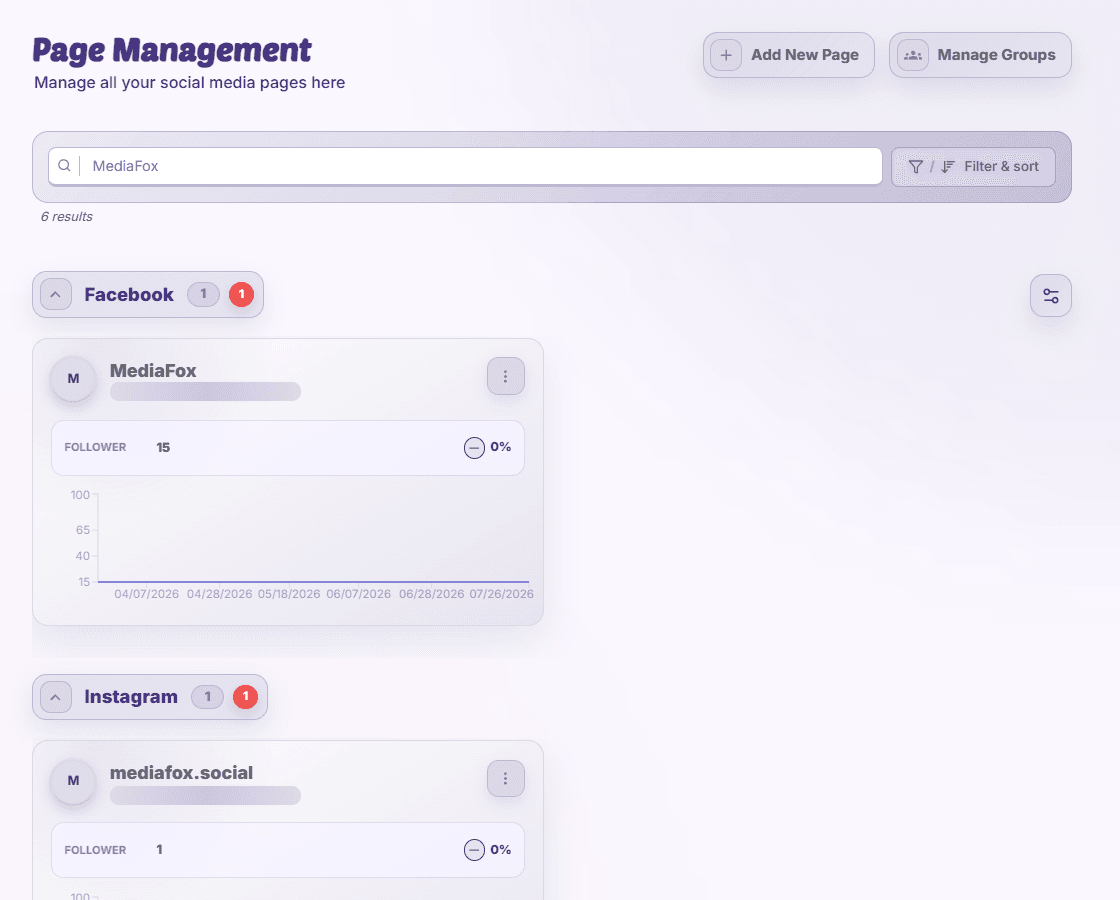
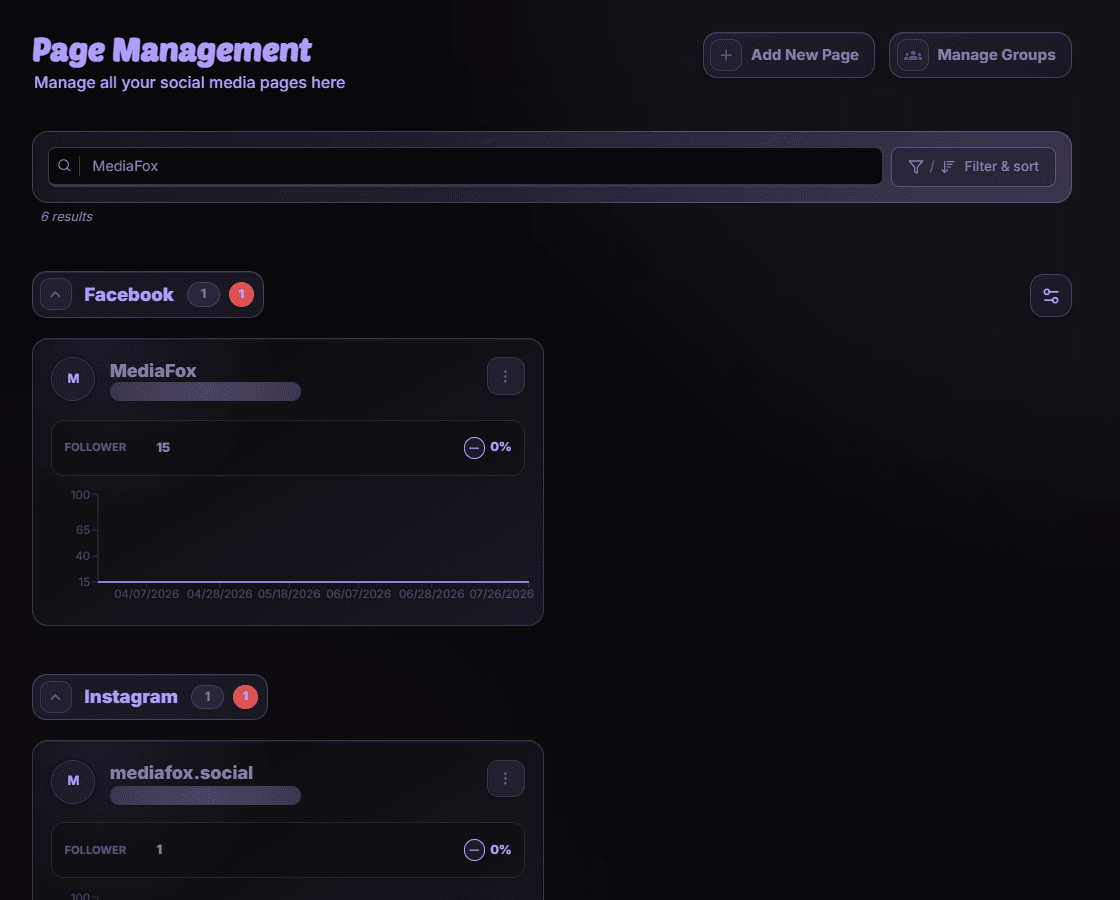
Narrow the list
- Search
Enter part of the page name or its identifier. Check the result count.
- Filter and sort
Open Filter & sort, choose page states, a sort field, and ascending or descending order, then apply the changes.
- Choose a trend range
Select the offered 7-, 30-, or 90-day range when comparing follower trends.
Returning to a filtered page
Filters can be retained in the URL. Reset them if a saved link shows fewer pages than expected. Changing the view does not remove connections.
Verfügbarkeit und Zugriff
Diese Funktion benötigt kein Add-on. Berechtigungen oder Organisationseinstellungen können dennoch gelten.