
Search and manage the Link Tree library
Find a tree, check its status, and open the editor or public page.
Der redaktionelle Inhalt dieses Artikels ist derzeit auf Englisch verfügbar. Die Navigation des Hilfe-Centers ist lokalisiert.
Überblick
The Link Tree library contains drafts, published pages, and archived trees. Read the status before assuming that a copied address is publicly available.
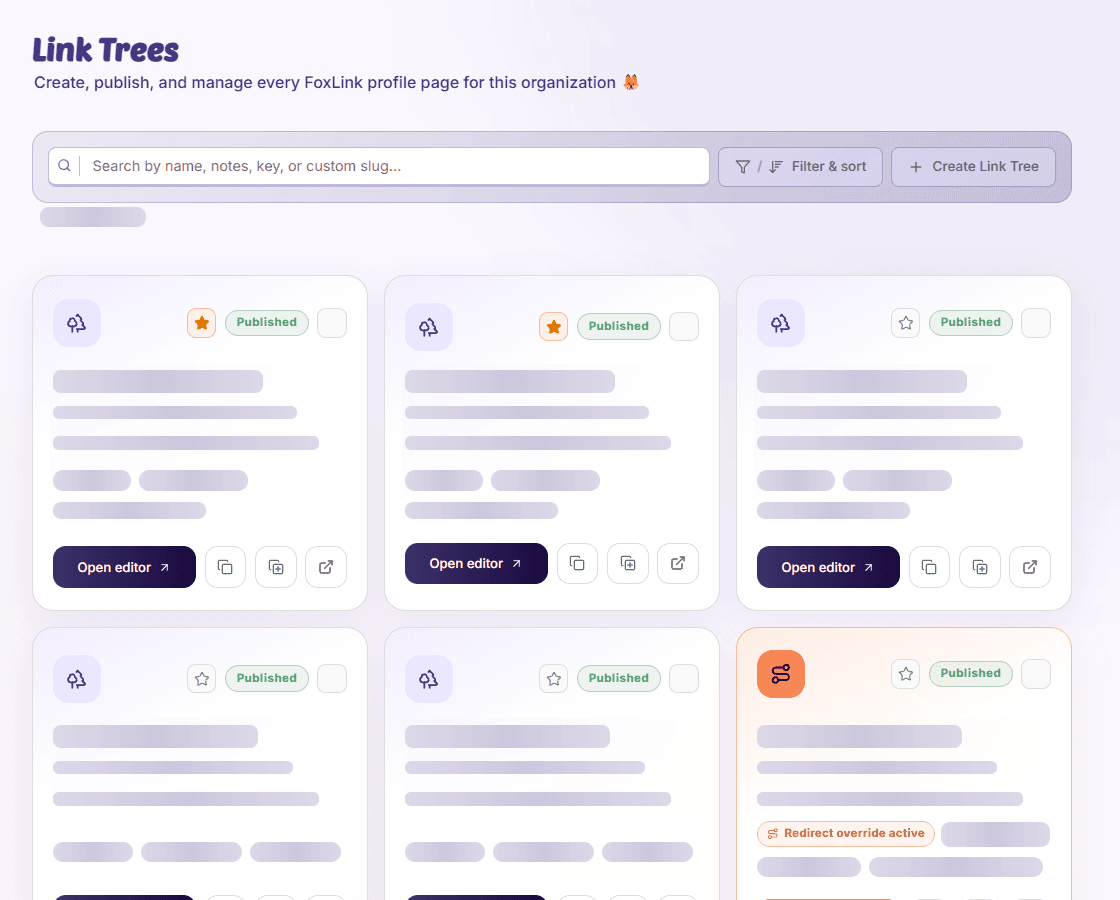
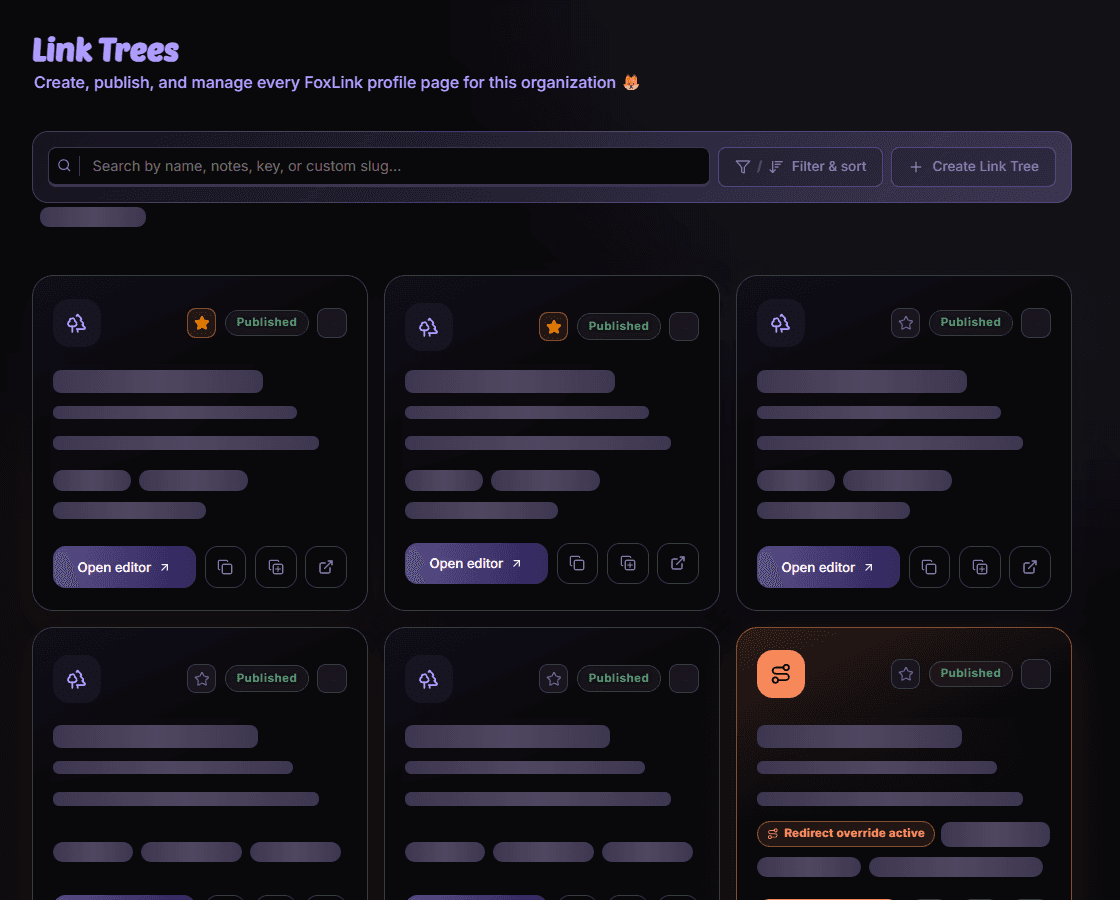
Find the tree
- Search
Use the name, internal notes, generated key, or custom slug to locate a tree.
- Review its card
Check status, item and view counts, update time, and any redirect badge.
- Choose an action
Open the editor for changes or copy/open the public URL for an already-published tree.
An item is missing
Reset library filters, including hide-empty or redirect filters. Archived trees can still have public pages, so do not assume an inactive library label makes a URL private.
Verfügbarkeit und Zugriff
Die Verfügbarkeit hängt von deinem Organisationszugriff und deinen Berechtigungen ab.