
Understand the organization dashboard
See upcoming content, team information, goals, and reporting shortcuts.
Base
Il contenuto editoriale di questo articolo è attualmente disponibile in inglese. La navigazione del Centro assistenza è localizzata.
Panoramica
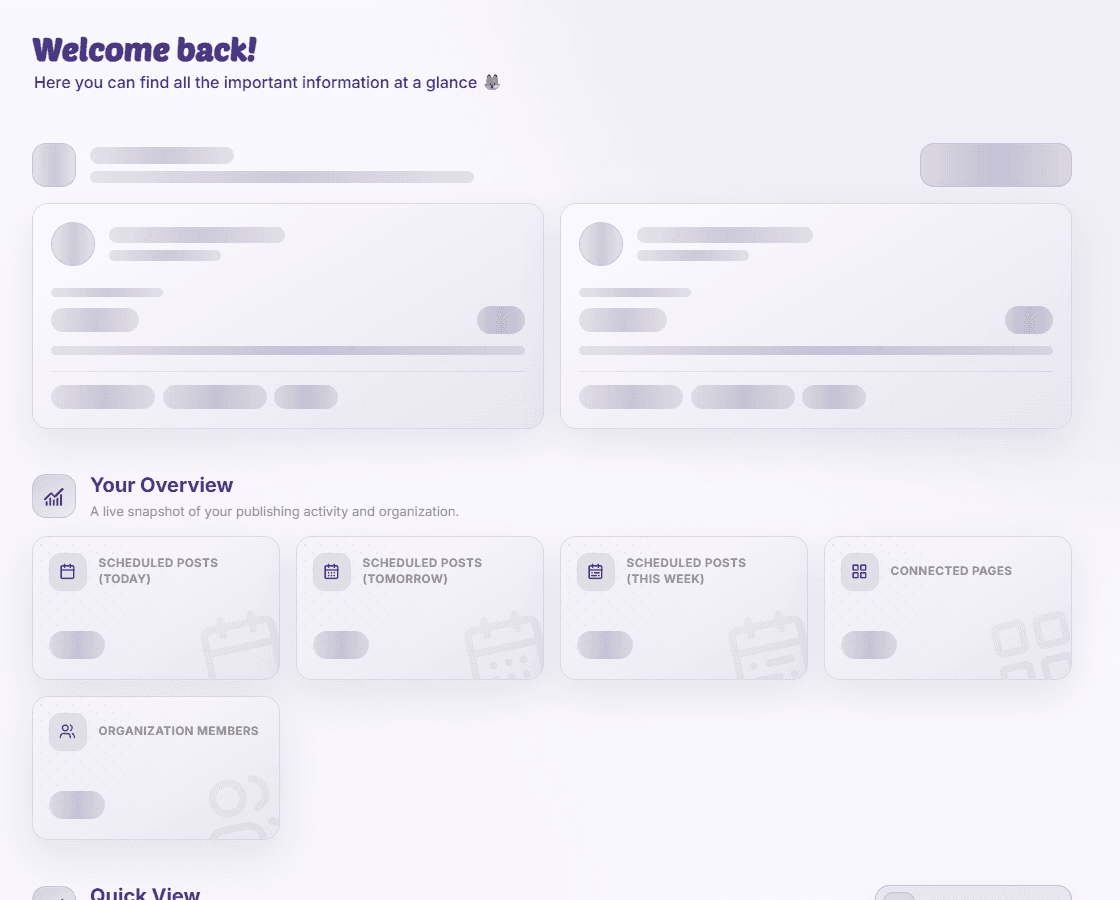
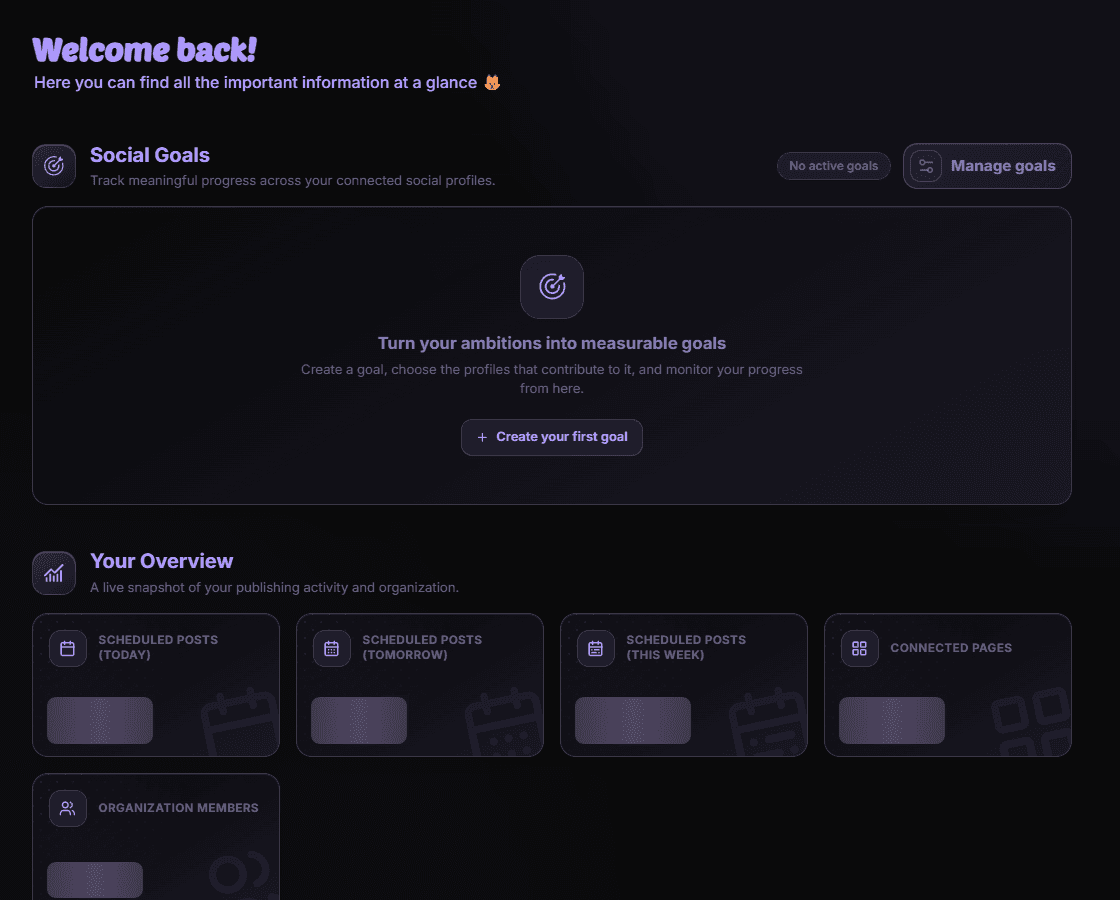
The organization dashboard summarizes the workspace selected in your navigation. Its counts and cards help you decide where to look next; they do not replace the detailed calendar or reports.
Read the dashboard
- Planned-post counters show upcoming publishing activity for the displayed periods.
- Page and member cards summarize the organization’s connected accounts and team.
- Goals track progress toward selected social metrics.
- Quick View shows a chosen reporting dashboard, while Top Content highlights recent performance.
Check the scope of a number
Read the period and page selection before comparing cards. A newly connected page may still be collecting data. Open the calendar or Reporting & Analytics for the underlying detail.
Disponibilità e accesso
Base
Questa funzione non richiede un add-on, ma possono essere necessarie autorizzazioni o impostazioni dell’organizzazione.