
Posting Calendar overview
See when content is scheduled and follow its publishing state.
Il contenuto editoriale di questo articolo è attualmente disponibile in inglese. La navigazione del Centro assistenza è localizzata.
Panoramica
The posting calendar shows content for the selected organization. It uses the organization’s timezone and week-start setting, which may differ from your device’s local settings.
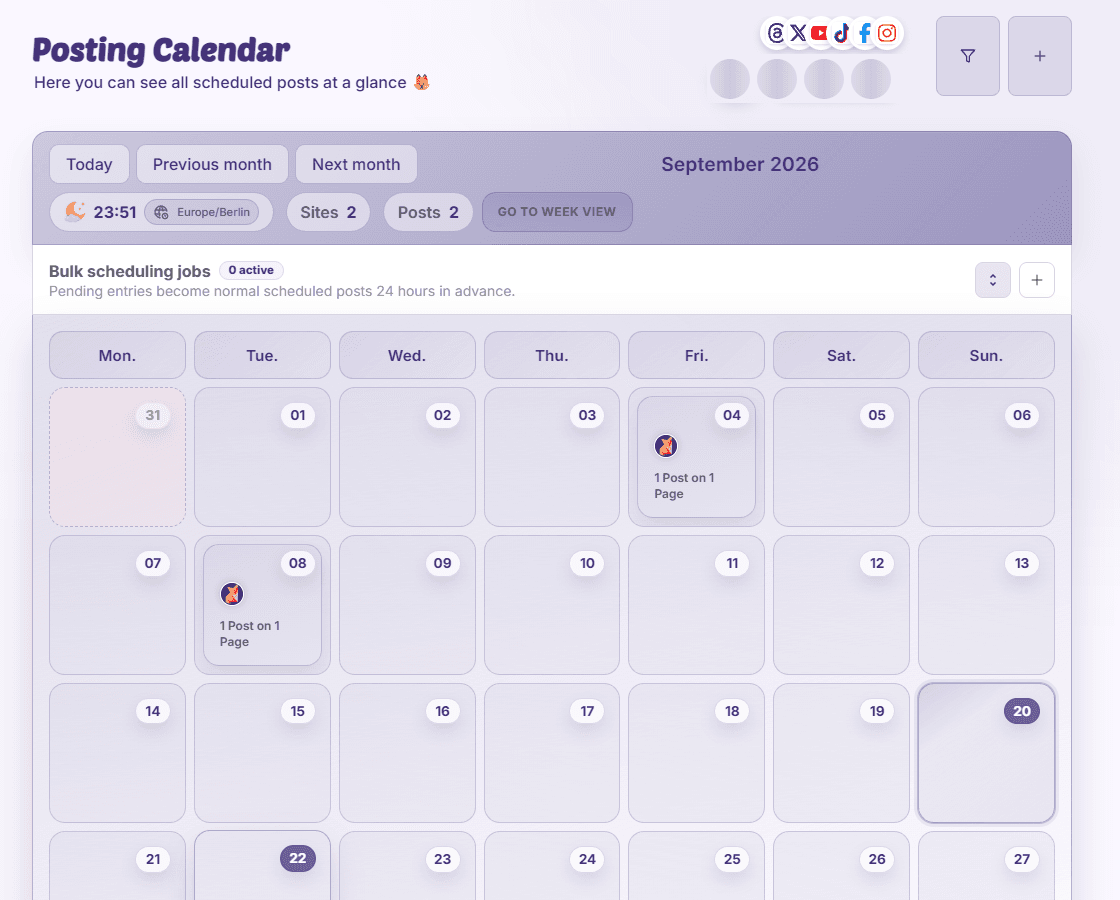
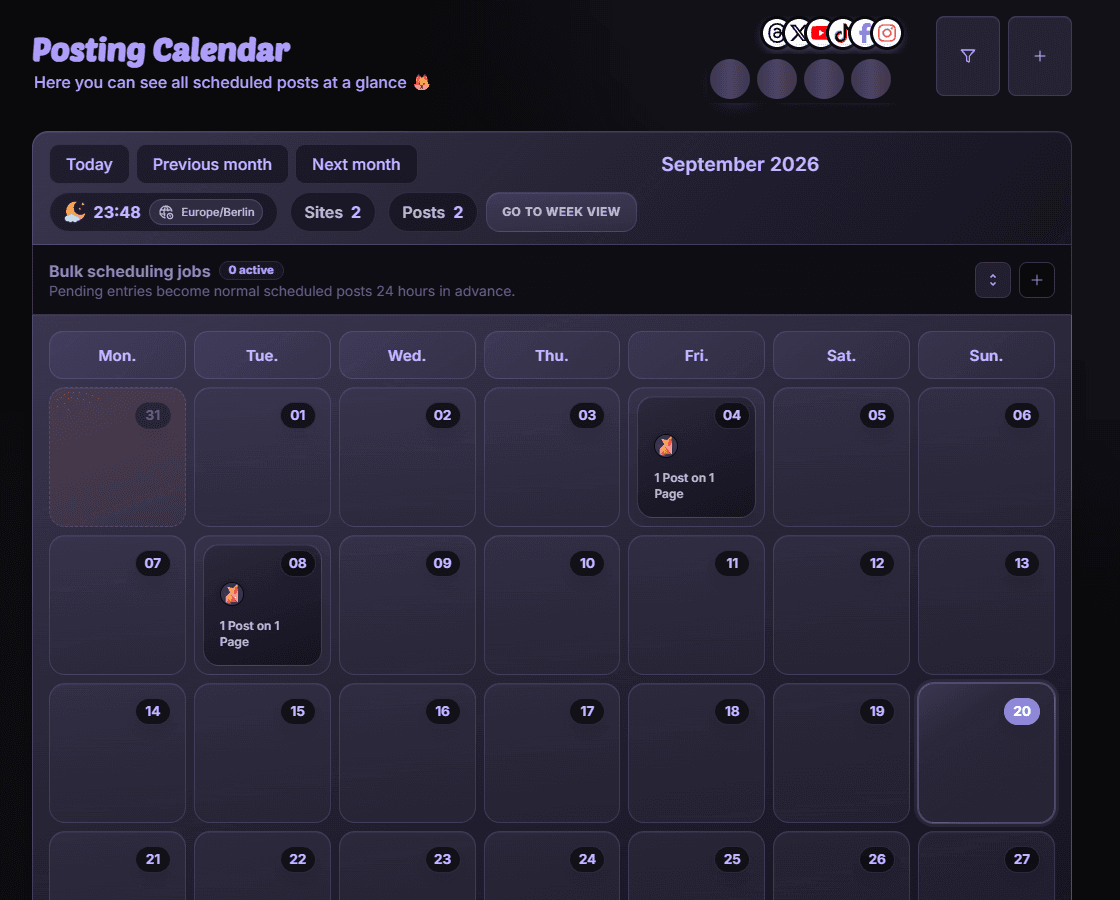
Choose a useful view
- Month gives an overview of the campaign period.
- Week and hour views help compare nearby publishing slots.
- Day view groups content for closer review.
- Filters narrow the calendar by pages, platforms, labels, and other supported criteria.
Open an item
Select a post to open Post Details, check its state, and use the actions your permissions allow. If a post is missing, inspect filters and the visible dates before creating it again.
Disponibilità e accesso
La disponibilità dipende dall’accesso all’organizzazione e dalle autorizzazioni assegnate.