
Post Planner overview
Prepare content for one or more social pages, then save a draft or schedule publication.
Il contenuto editoriale di questo articolo è attualmente disponibile in inglese. La navigazione del Centro assistenza è localizzata.
Panoramica
Post Planner brings page selection, content, platform settings, and scheduling into one workflow. You need post-edit permission and access to the pages you select.
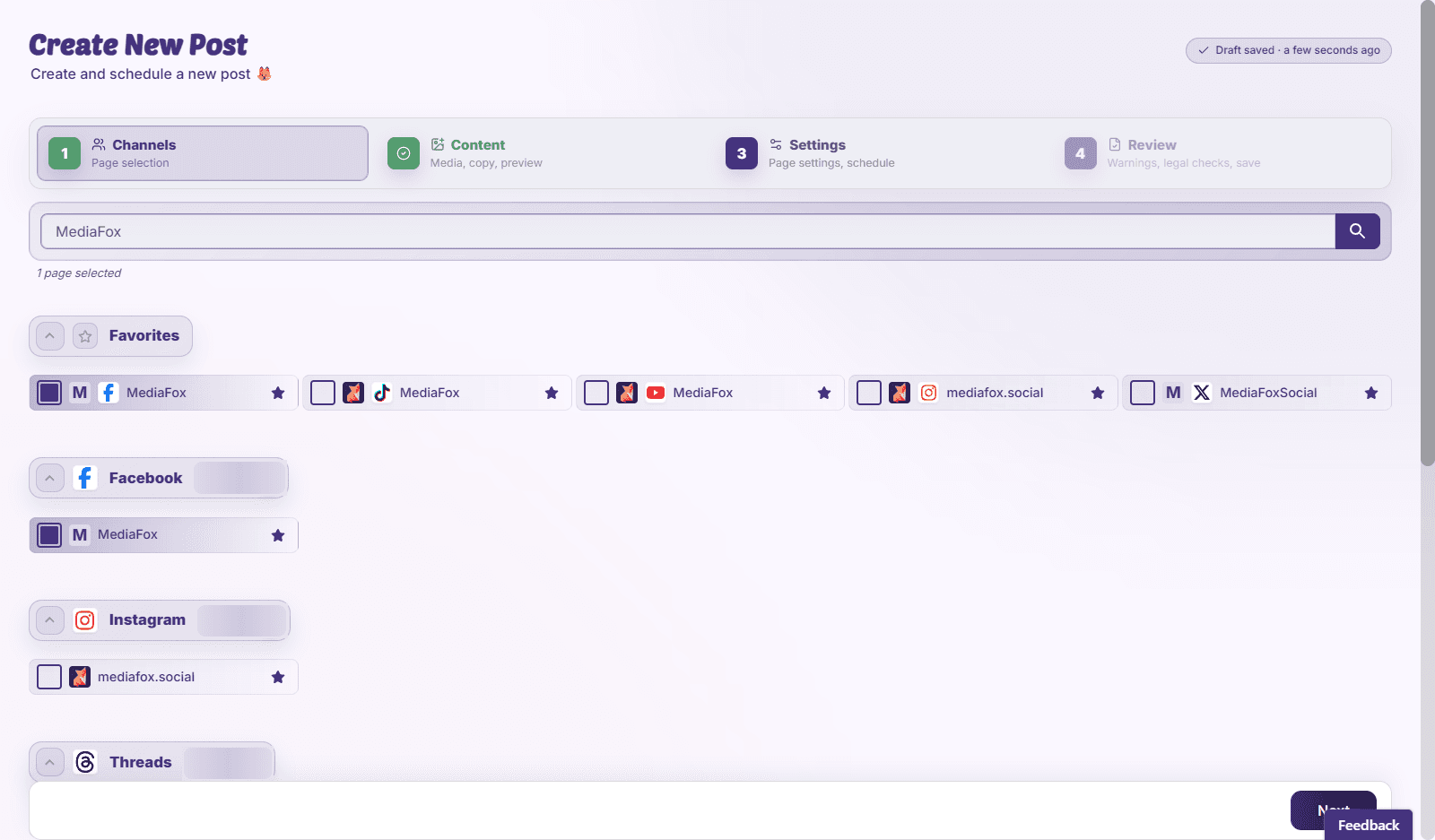
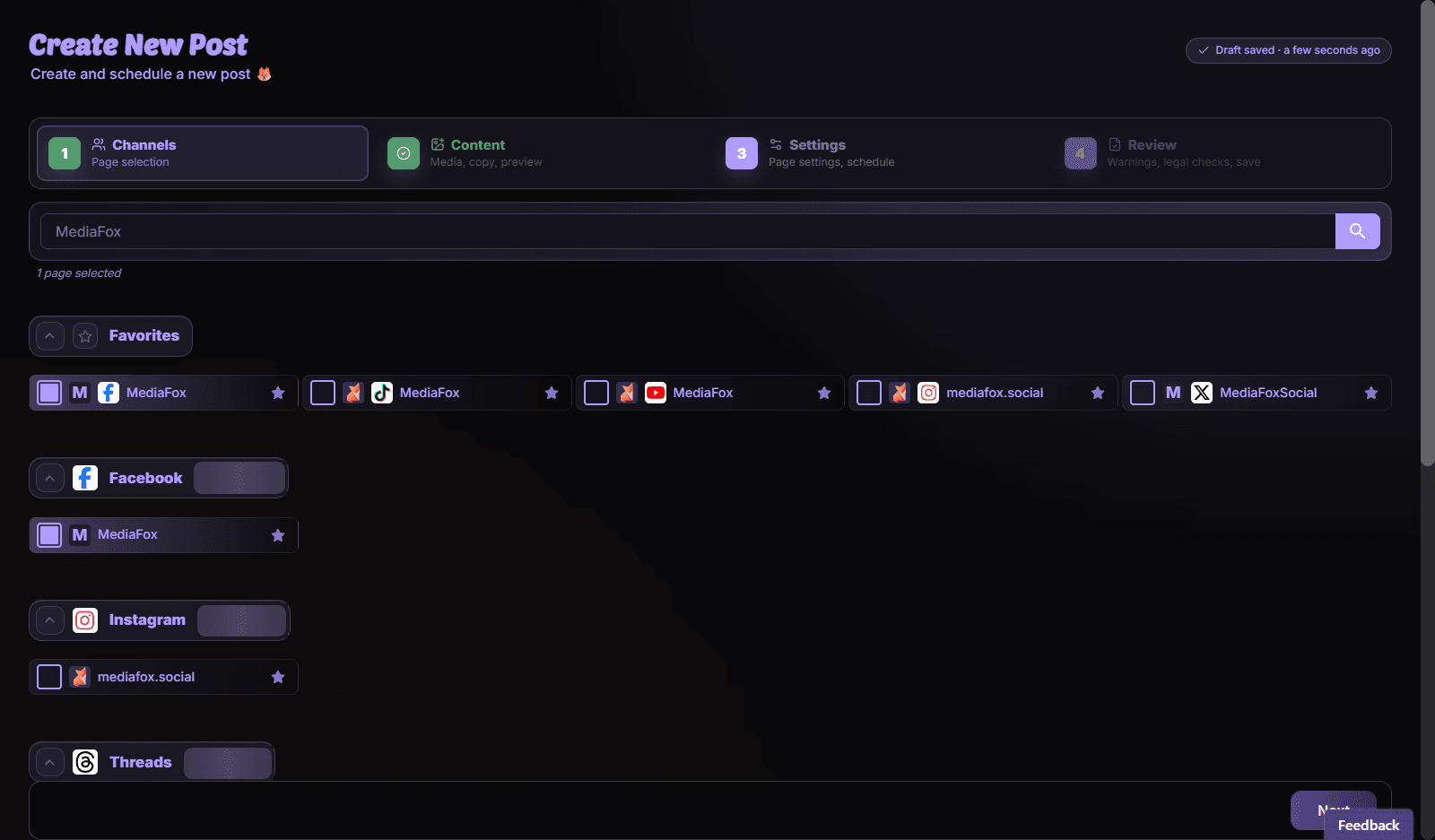
Work through the planner
- Channels: choose the pages that should receive the post.
- Content: add text and media, including platform-specific versions where needed.
- Settings: review publishing options and choose times for the selected pages.
- Review: check previews, validation messages, and collision warnings before Save & Schedule.
Keep unfinished work
Save a draft if the content is not ready. Choosing Request Review sends it through approval instead of treating it as ready to publish. A saved schedule is a publishing instruction; check its date and timezone carefully.
Disponibilità e accesso
La disponibilità dipende dall’accesso all’organizzazione e dalle autorizzazioni assegnate.