
Page Management overview and permissions
Review connected social accounts, connection health, and page groups.
Il contenuto editoriale di questo articolo è attualmente disponibile in inglese. La navigazione del Centro assistenza è localizzata.
Panoramica
Page Management lists the social pages available in your organization. Page viewers can inspect connections; page editors can connect, reconnect, group, or remove pages.
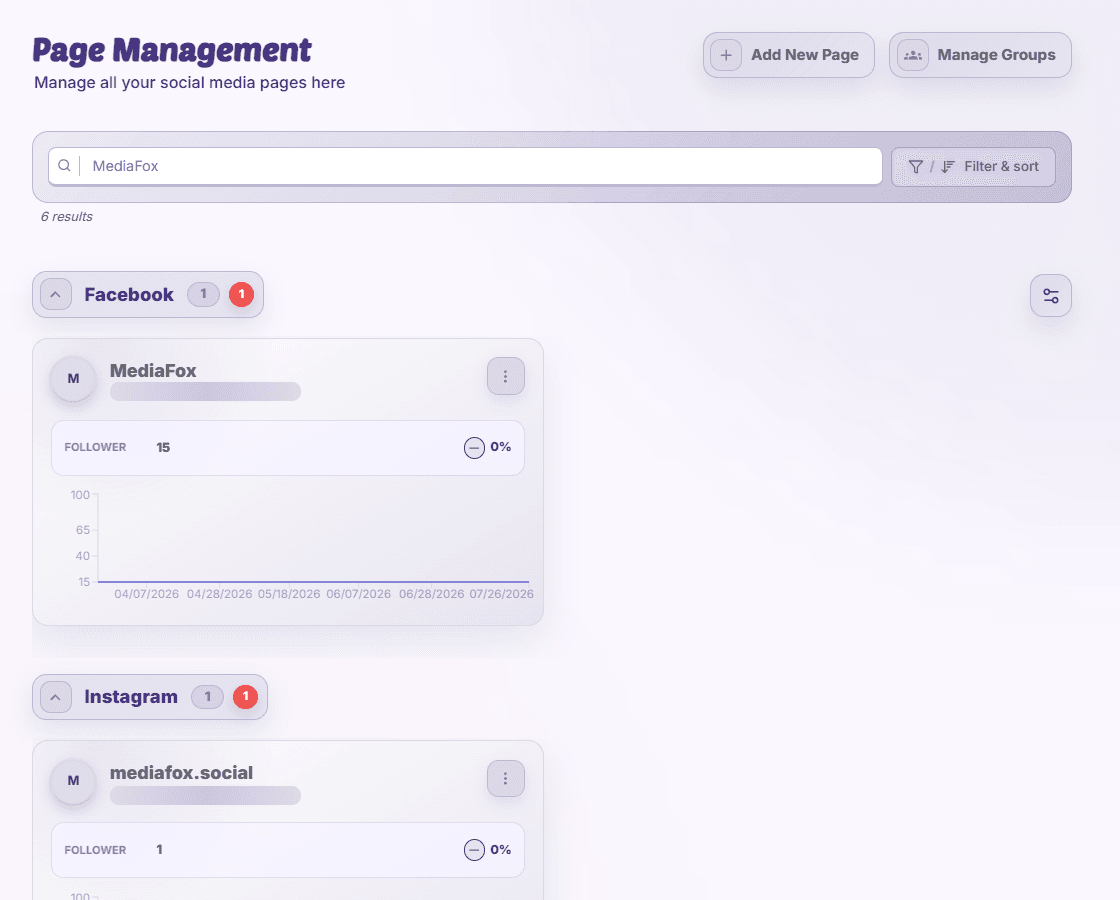
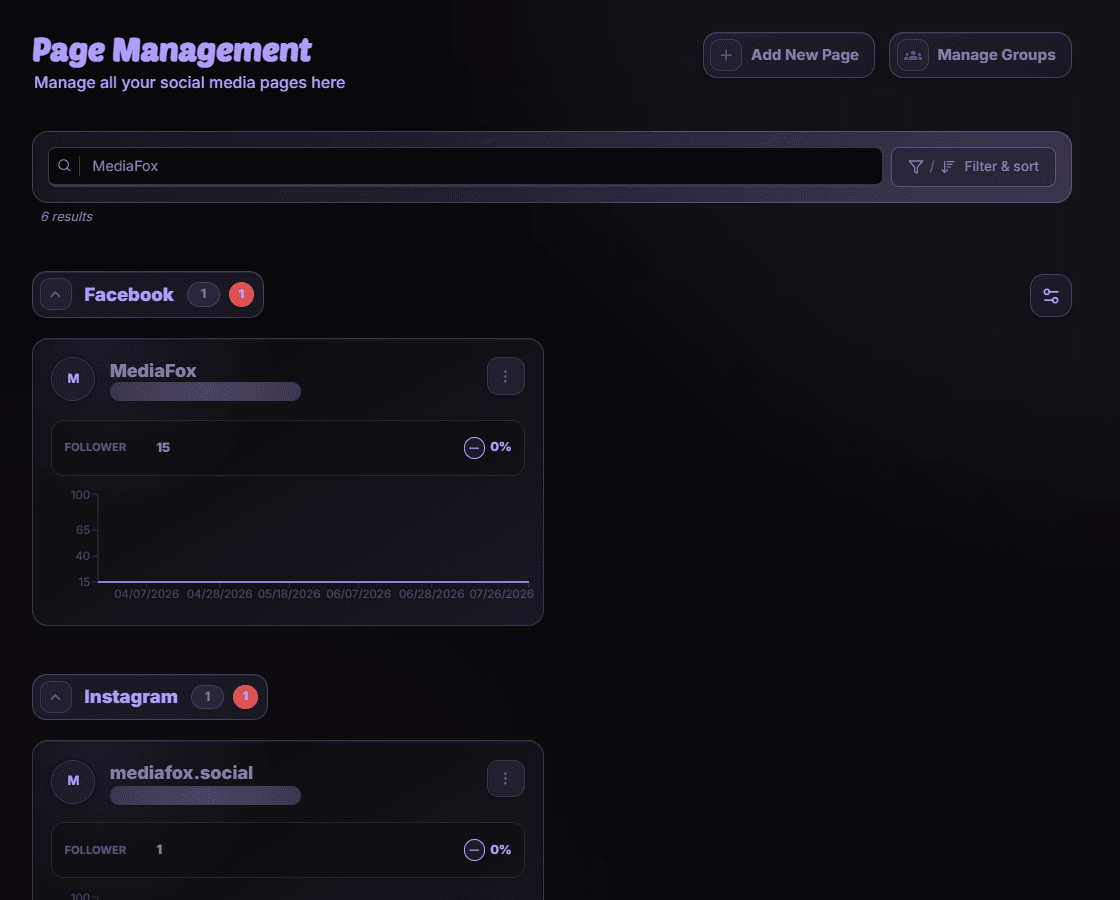
Read the page list
- Search by page name or identifier and use filters to narrow the list.
- Check the platform, account badges, connection warnings, and follower or subscriber information.
- Open a page’s details for available permissions and platform information.
- Use Manage Groups to organize reusable page selections if you have edit access.
A page is not listed
Clear filters and check the organization. Ask an owner whether your account can access the page. A working platform connection does not give every MediaFox member permission to manage it.
Disponibilità e accesso
La disponibilità dipende dall’accesso all’organizzazione e dalle autorizzazioni assegnate.