
Write captions, titles, descriptions, and first comments
Write shared copy and adapt the fields required by each platform.
El contenido editorial de este artículo está disponible actualmente en inglés. La navegación del Centro de ayuda está localizada.
Resumen
A caption, a video title, and a description are different fields. Post Planner shows the fields relevant to your destinations. You can keep shared copy, platform variants, and separate versions for individual pages.
Prepare your text
- Write the shared version
Enter the main copy in Content. Keep links and public hashtags where you want readers to see them.
- Adapt the destination
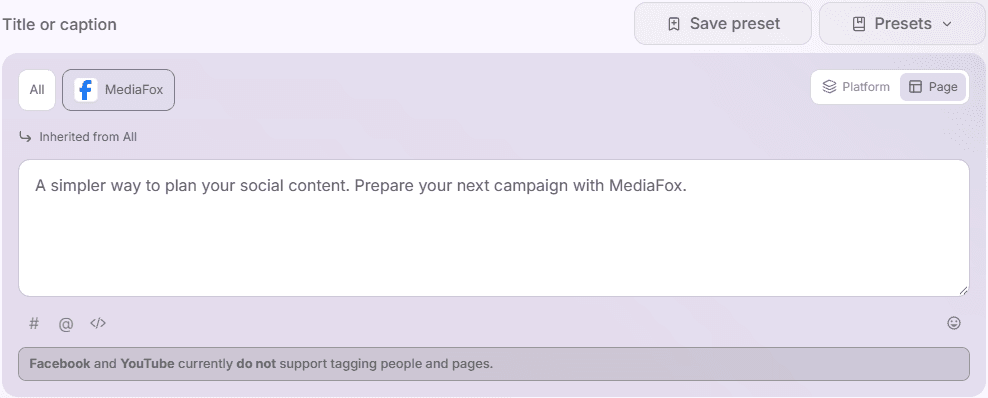
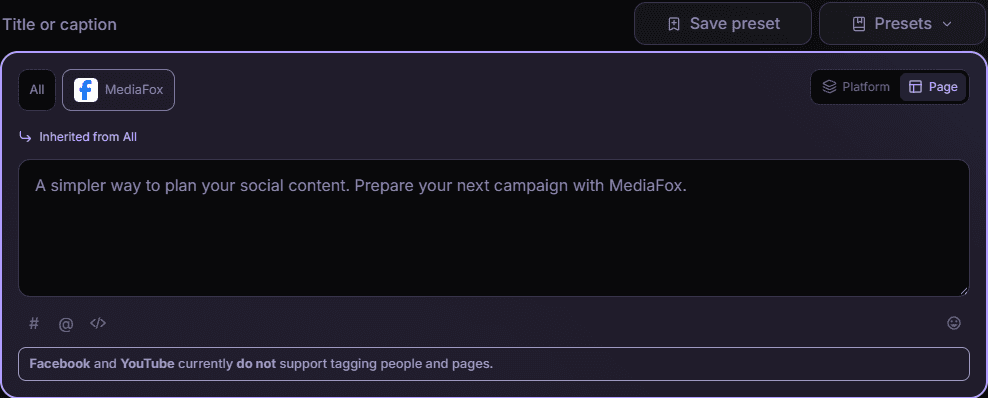
Use the Platform or Page override view to choose the version you want to edit. Complete any required title or description. Add a first comment only where offered.
- Review previews and limits
Check character messages, line breaks, links, and the exact platform version before saving.
Understand inheritance
Page copy takes priority over platform copy, then All supplies the shared default. Read Own value or Inherited from before editing. Reset removes an override and restores inheritance; an explicitly empty page value can instead suppress that field. Changing All does not overwrite existing page or platform variants.
Check the exact page
When page overrides and several destinations make the preview-page selector appear, choose the intended page. Check links, dates, first comments, and required fields for every destination before saving. A preset replaces the currently selected field version, not every version of the post.
Disponibilidad y acceso
Esta función no requiere un complemento, aunque pueden aplicarse permisos o ajustes de la organización.