
Understand the account dashboard
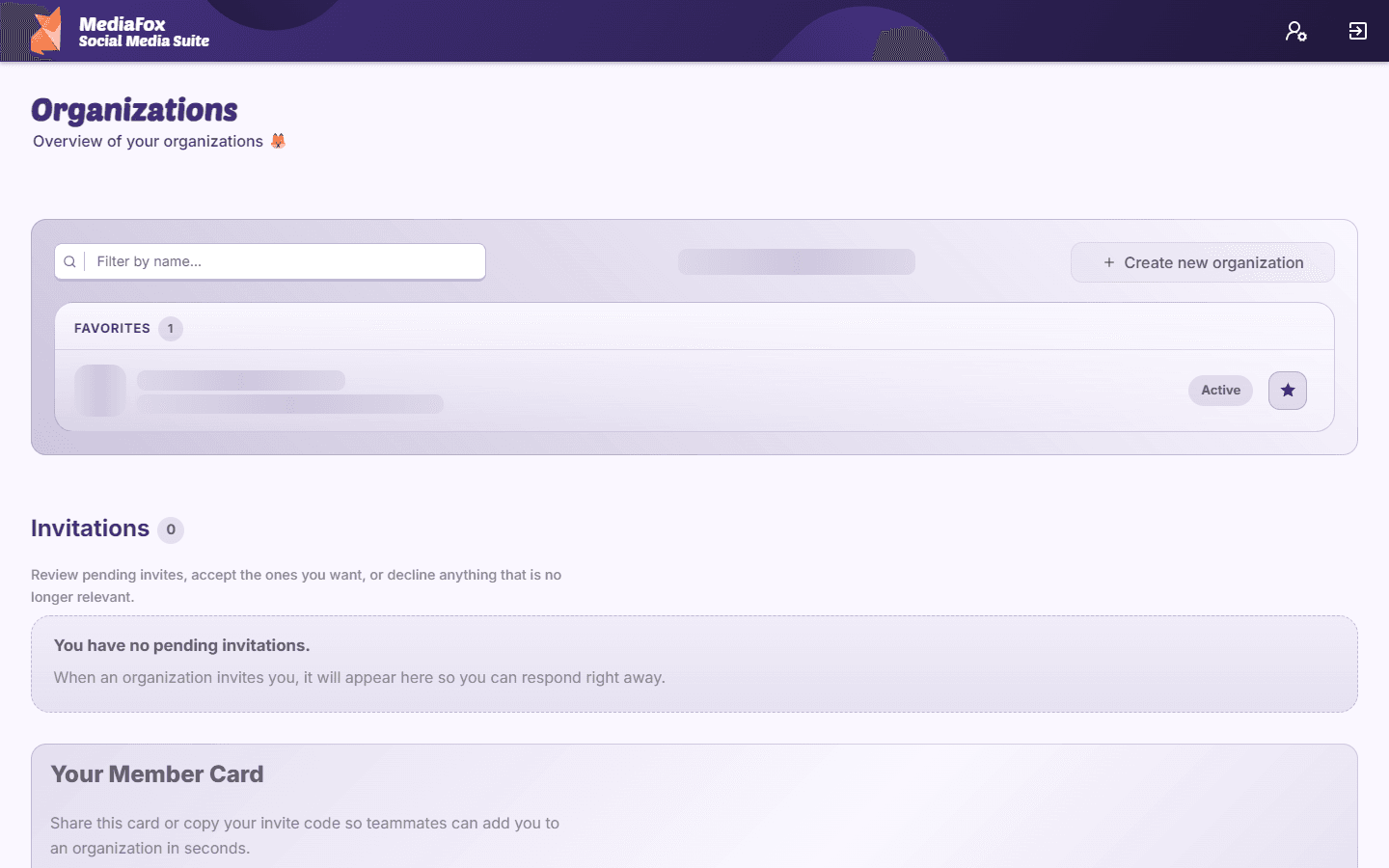
Use your account dashboard to open organizations and respond to invitations.
Principal
El contenido editorial de este artículo está disponible actualmente en inglés. La navegación del Centro de ayuda está localizada.
Resumen
The account dashboard is the starting point after sign-in. It shows the workspaces linked to your account rather than the publishing calendar or analytics for a single organization.
What you can do here
- Open an organization card to enter its workspace; page and member counts help identify it.
- Accept or decline pending invitations from other teams.
- Create an organization if you are setting up a new workspace.
- Read available MediaFox news and review your account information.
No organizations yet?
Create one if you are starting a new team, or ask an existing organization owner to invite your account. If you expected a workspace to be listed, confirm that you signed in with the invited email address.
Disponibilidad y acceso
Principal
Esta función no requiere un complemento, aunque pueden aplicarse permisos o ajustes de la organización.