
Search, filter, and sort connected pages
Find a connected page and organize the list by health, name, or followers.
El contenido editorial de este artículo está disponible actualmente en inglés. La navegación del Centro de ayuda está localizada.
Resumen
Page Management can show a subset of your pages when search or filters are active. Clear them first when you are checking whether a page is connected.
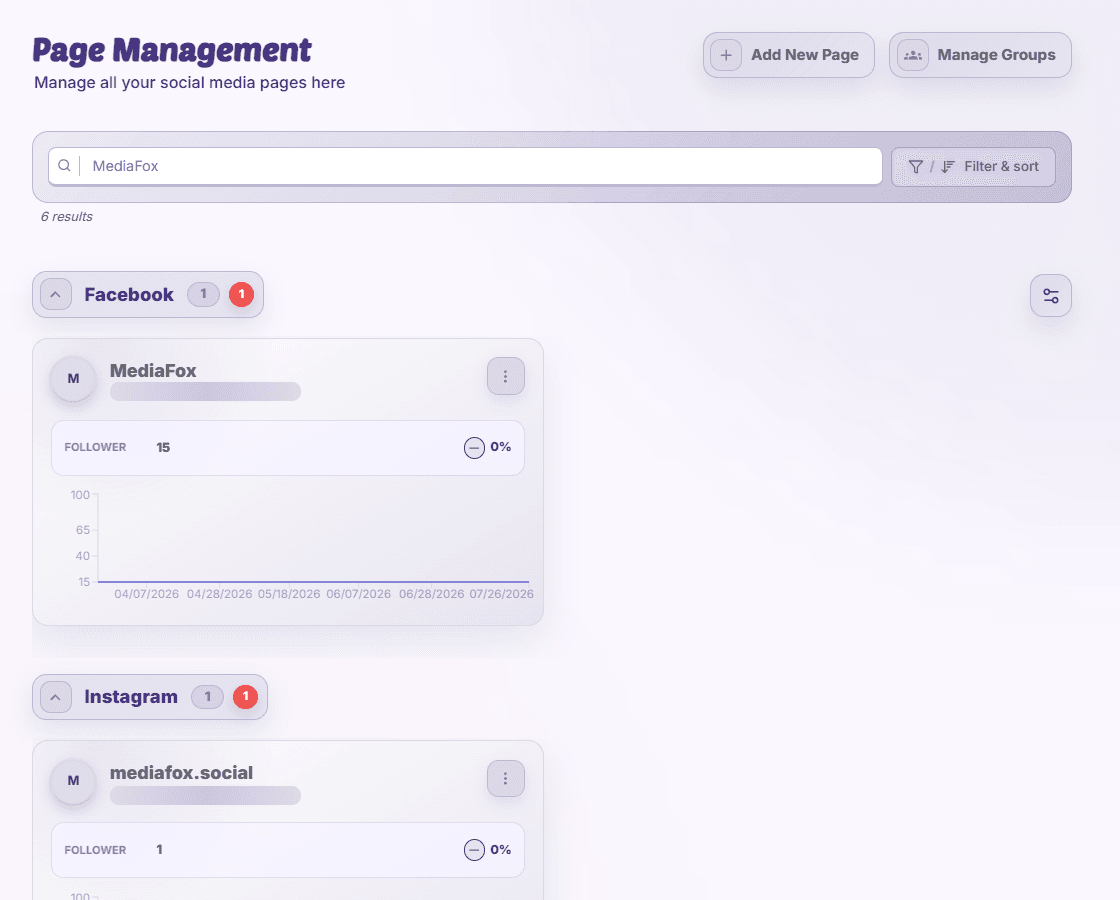
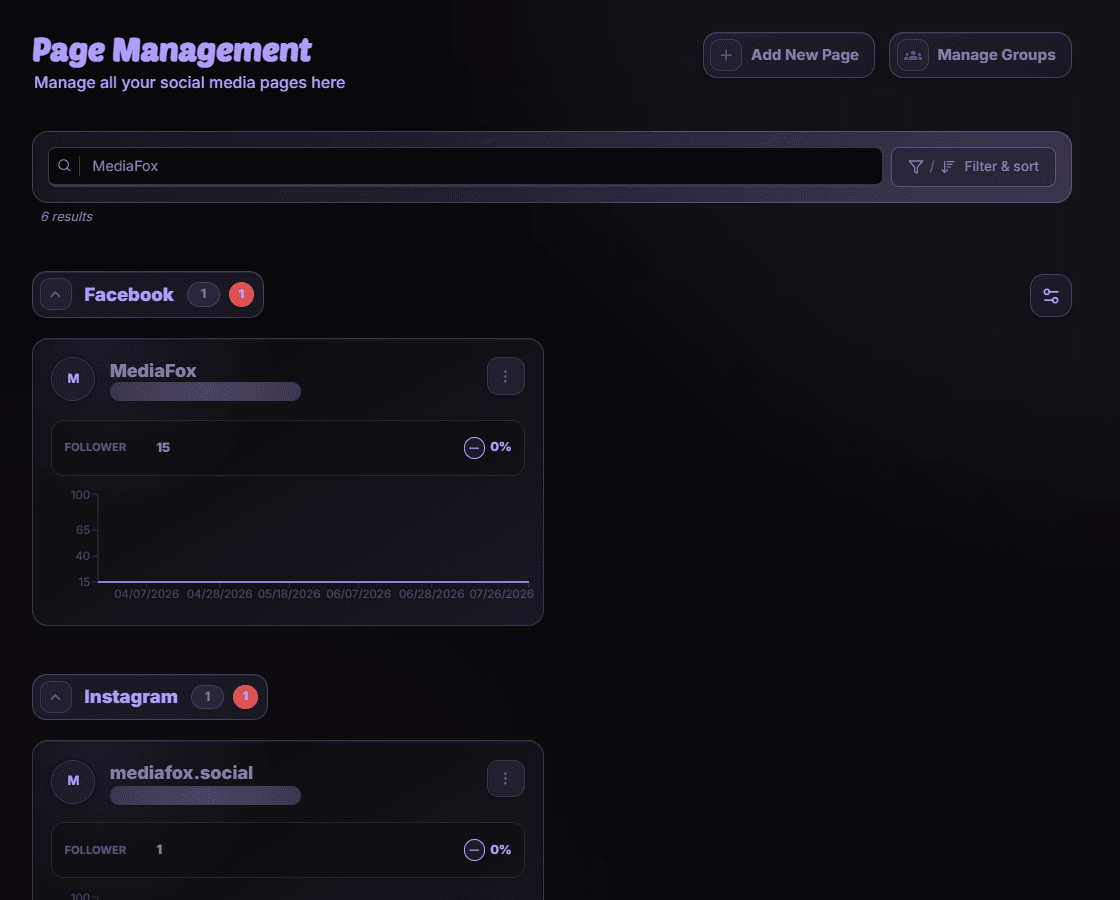
Narrow the list
- Search
Enter part of the page name or its identifier. Check the result count.
- Filter and sort
Open Filter & sort, choose page states, a sort field, and ascending or descending order, then apply the changes.
- Choose a trend range
Select the offered 7-, 30-, or 90-day range when comparing follower trends.
Returning to a filtered page
Filters can be retained in the URL. Reset them if a saved link shows fewer pages than expected. Changing the view does not remove connections.
Disponibilidad y acceso
Esta función no requiere un complemento, aunque pueden aplicarse permisos o ajustes de la organización.