
Posting Calendar overview
See when content is scheduled and follow its publishing state.
El contenido editorial de este artículo está disponible actualmente en inglés. La navegación del Centro de ayuda está localizada.
Resumen
The posting calendar shows content for the selected organization. It uses the organization’s timezone and week-start setting, which may differ from your device’s local settings.
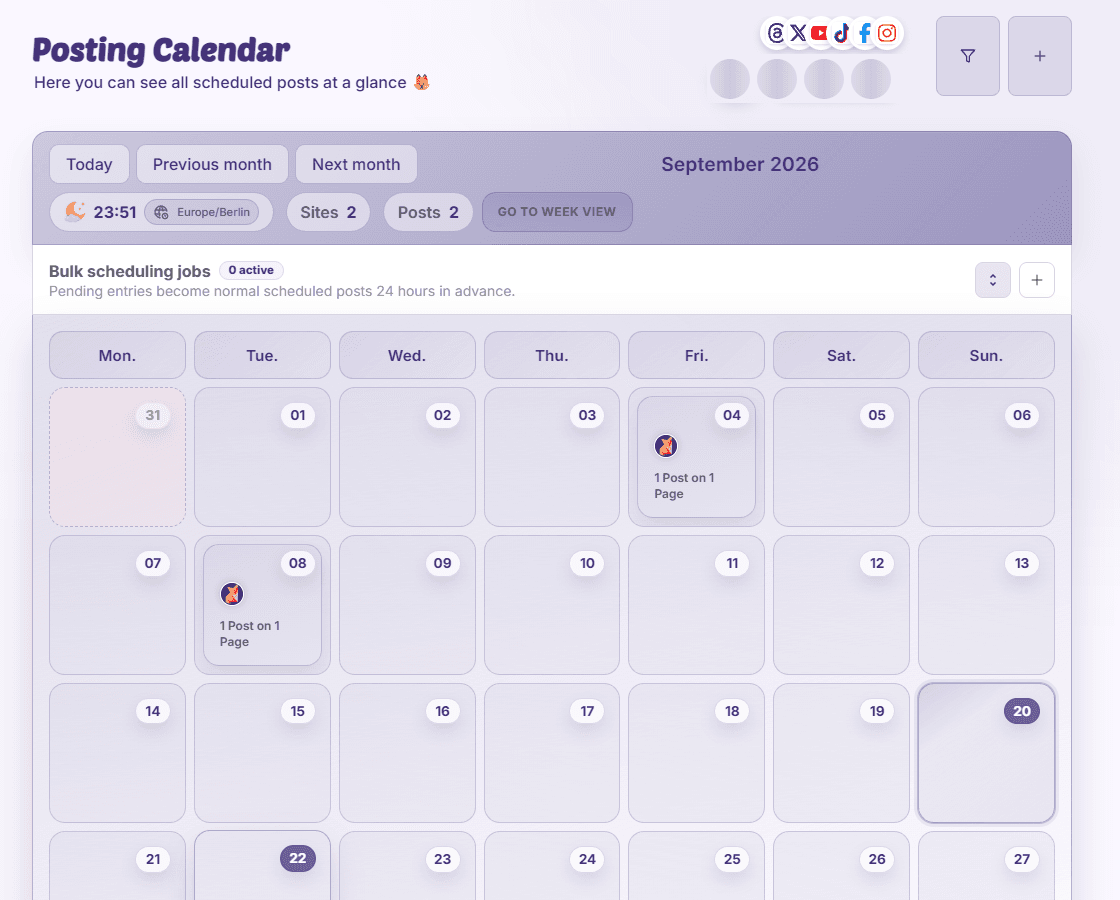
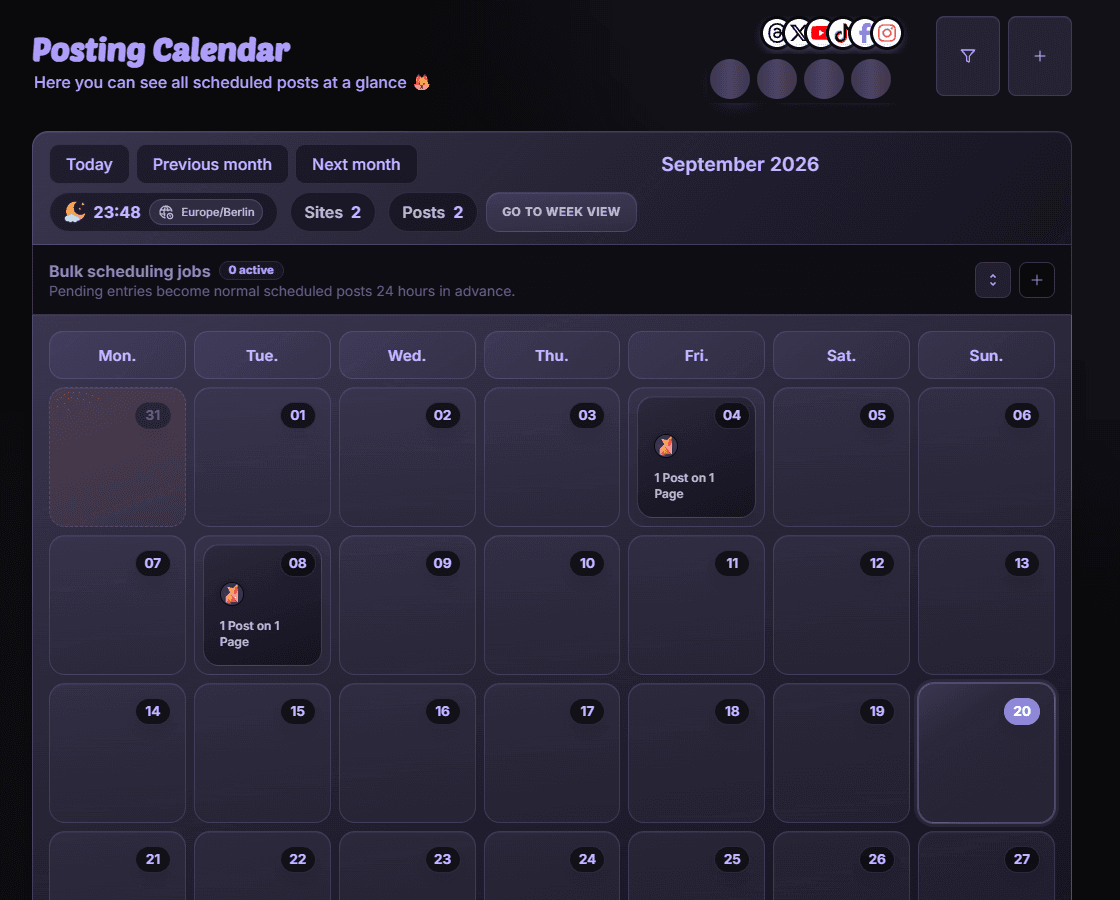
Choose a useful view
- Month gives an overview of the campaign period.
- Week and hour views help compare nearby publishing slots.
- Day view groups content for closer review.
- Filters narrow the calendar by pages, platforms, labels, and other supported criteria.
Open an item
Select a post to open Post Details, check its state, and use the actions your permissions allow. If a post is missing, inspect filters and the visible dates before creating it again.
Disponibilidad y acceso
La disponibilidad depende del acceso a la organización y de los permisos asignados.