
Create a reporting dashboard
Create a saved report for selected pages or page groups.
El contenido editorial de este artículo está disponible actualmente en inglés. La navegación del Centro de ayuda está localizada.
Resumen
A dashboard is a collection of widgets that answers a reporting question. You need reporting-edit access to create one.
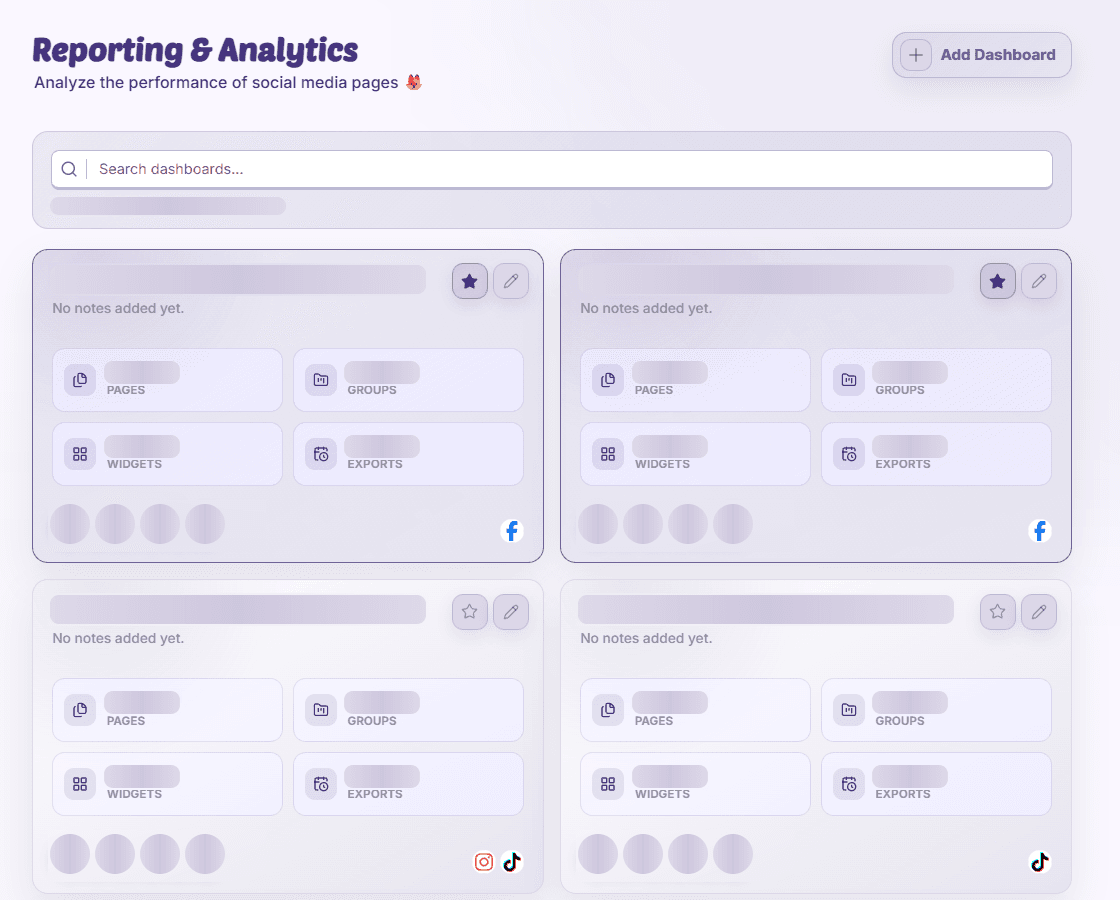
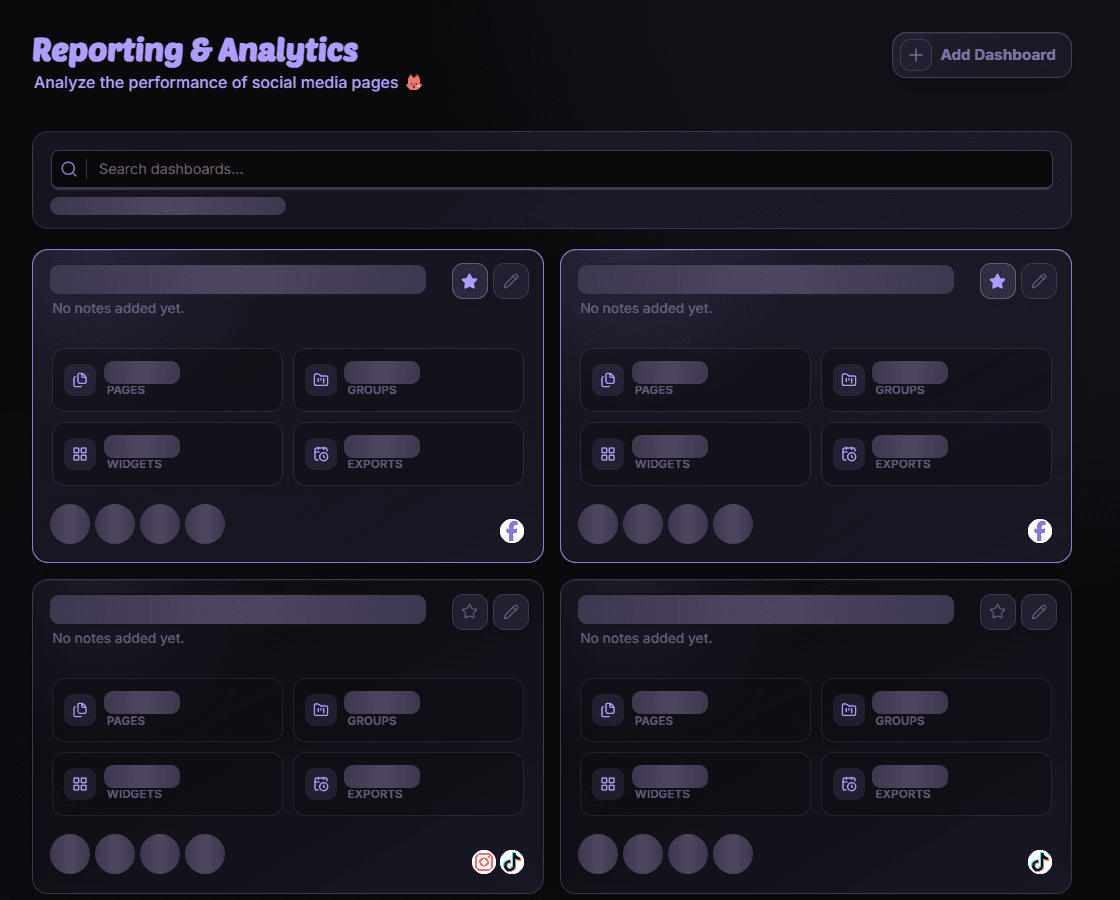
Create the report
- Start a dashboard
Open Reporting & Analytics and choose the create action.
- Describe its purpose
Enter a name and optional notes, such as the campaign or team the report serves.
- Choose the scope
Select at least one page or page group, then save and open the dashboard.
- Add widgets
Choose supported metrics and a useful date range. Save the layout after configuring it.
Start small
A few well-chosen widgets are easier to understand than every available chart. Check each metric’s explanation and coverage before relying on a combined number.
Disponibilidad y acceso
La disponibilidad depende del acceso a la organización y de los permisos asignados.